 20 hours ago
2
20 hours ago
2

😎 Super smooth capture
🎯 Tracking subjects just works
😵💫 360° pan rotation
👍 Built-in tripod and extension rod
💡 Studio lighting in a pinch
🔋 Charges your phone when in use
🎤 Pairs with the DJI Mic Mini, Mic 2, Mic 3
💰 Competitively priced
📱 More tailored to iPhone users than Android
🎓 Learning curve for novices to overcome
🤷♂️ Very much designed for USB-C
Content creation and amateur cinematography have exploded in recent years. It’s no longer socially acceptable to share shaky hand-cam footage anymore, as the general level of expertize in filming and taking photos has grown with every new iPhone release and viral TikTok video.
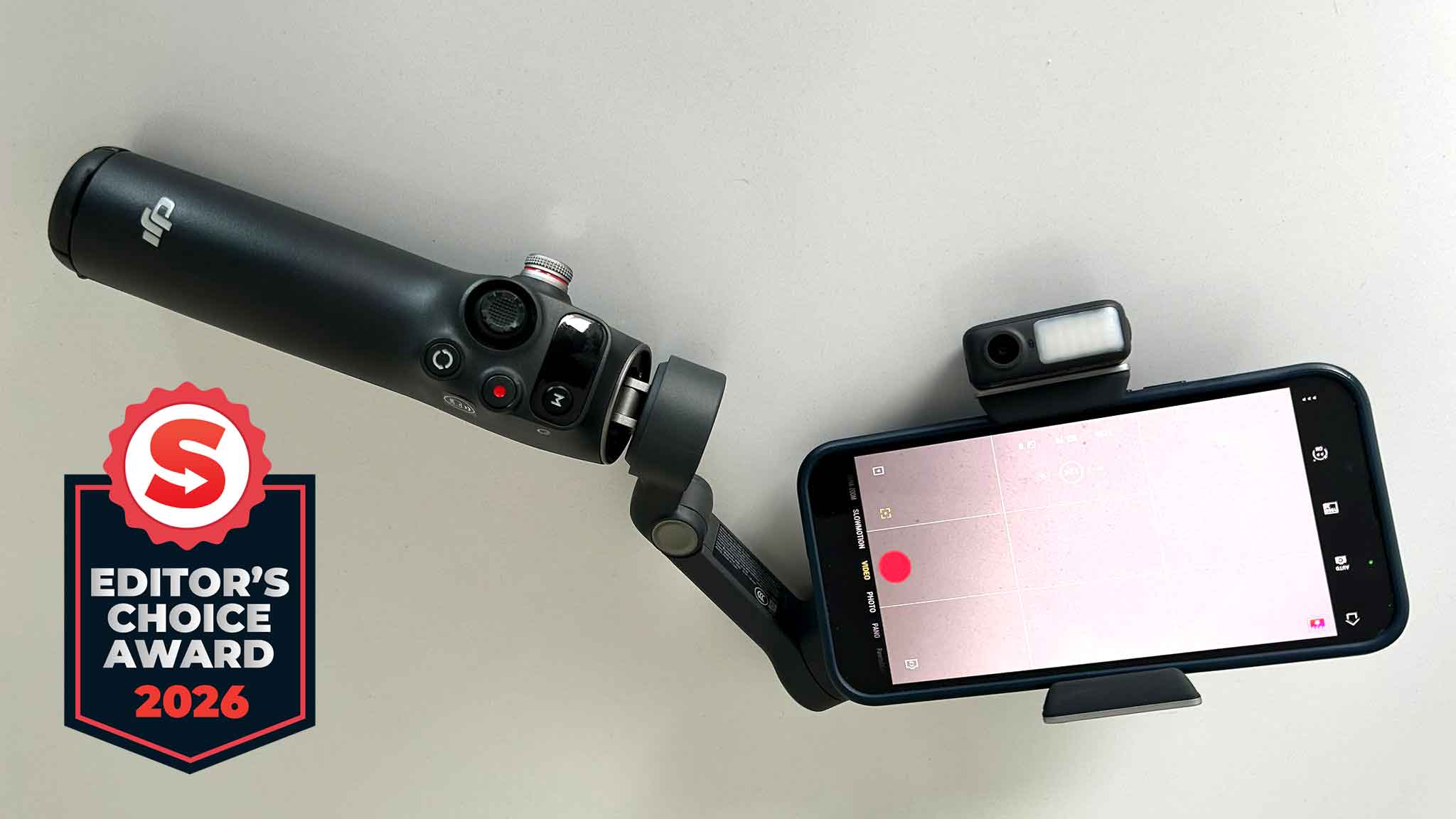
It’s why devices like the DJI Osmo Mobile 8 have surged in popularity, as they offer an intuitive, yet professional way to elevate your content, whether you want to capture high-speed action shots, walk and talk, or simply sit down in front of the camera and chat.
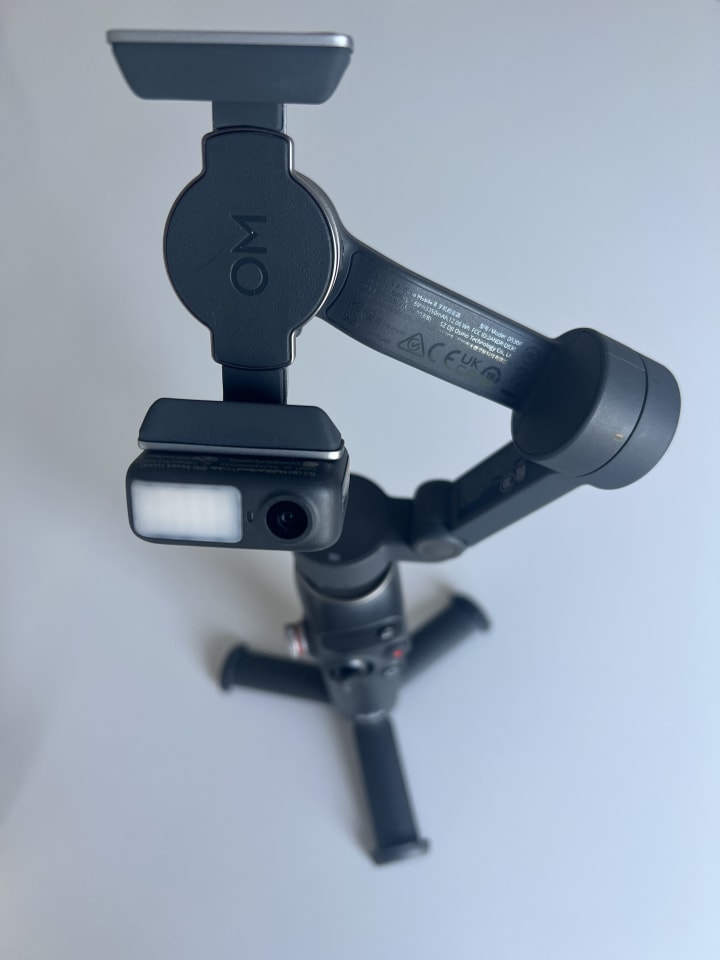
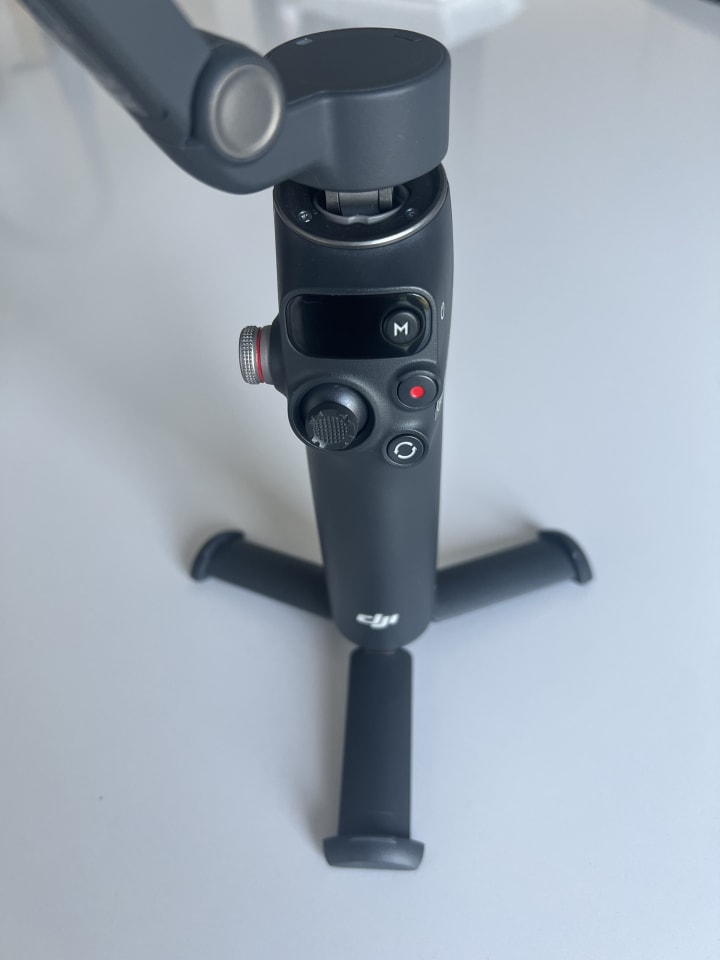
While there’s certainly a learning curve to overcome, and you’ll need the DJI Mimo app to get the most out of it, the DJI Osmo Mobile 8 is a compact, highly versatile handheld gimbal that is packed with features. It’s also available at a respectable entry-level price of £135, which will make it appealing to many.
Price: £135 (around $181)
Connection: USB-C (Lightning cable sold separately), Bluetooth 5.3
Compatibility: Works with phones of 6.9mm-10mm thickness, 6.7-84mm width, 170-300g weight
Weight: Approx. 370 grams
Battery life: Approx. 10 hours
After testing the DJI Osmo Mobile 8 extensively, I can confidently say it’s a device that I’ll be using whenever I need to shoot video or capture a special moment. Its portable nature, extensive feature set and robust design have earned it a place in my backpack of must-have travel tech from now on. Read my full DJI Osmo Mobile 8 review below.
A review unit was provided by DJI.
😎 Super smooth capture. As someone who suffers from notoriously shaky hands, the DJI Osmo Mobile 8’s 3-Axis gimbal stabilization worked perfectly. It’s kind of magical seeing it adjust and correct itself in real-time as you move the camera around.
🎯 Tracking subjects just works. The DJI Osmo Mobile 8 offers intelligent tracking that ensures you or an object of your choosing is always in frame. The tracking also works with pets, which will please those with fur babies.
😵💫 360° pan rotation. New to the DJI Osmo Mobile 8 is 360° pan rotation. It lets you capture smooth panoramic photos and videos from any angle, and continuously lock onto moving subjects. There’s no limit to how many spins you can do in the gimbal’s horizontal rotation either.
👍 Built-in tripod and extension rod. You can position the DJI Osmo Mobile 8 anywhere thanks to the built-in tripod, or extend it to turn your gimbal into a high-end selfie stick. It’s also ideal for capturing low-angle shots, and its default form factor feels great in the hand.
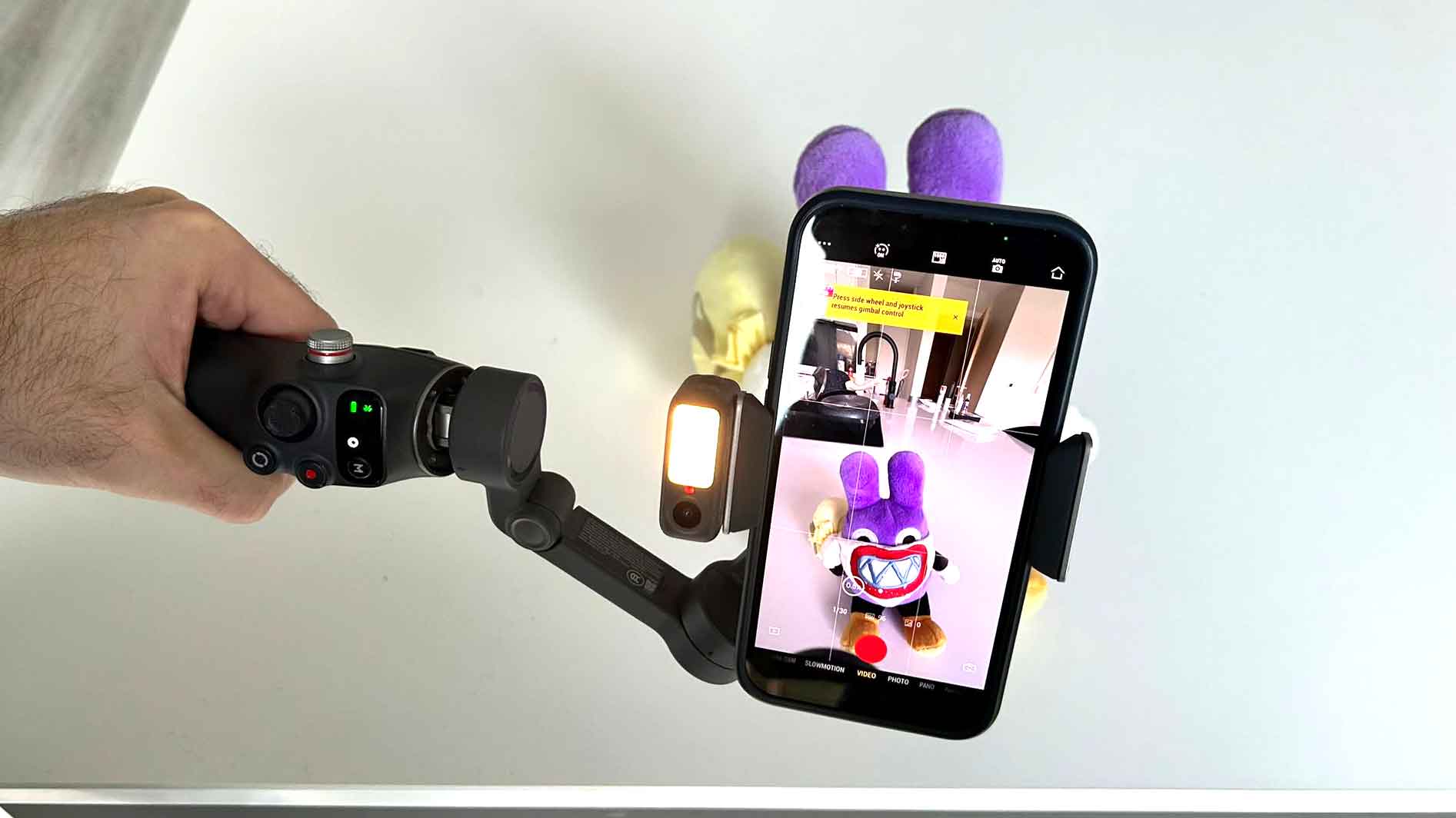
💡 Studio lighting in a pinch. Anyone with even the faintest knowledge of photography or cinematography will tell you how important lighting is. Thankfully, the DJI Osmo Mobile 8 includes a powerful fill light that can be adjusted to eight levels of brightness and eight color temperature settings. It’s a fantastic addition, especially if you’re shooting in low light conditions, and can be easily adjusted using the side wheel.
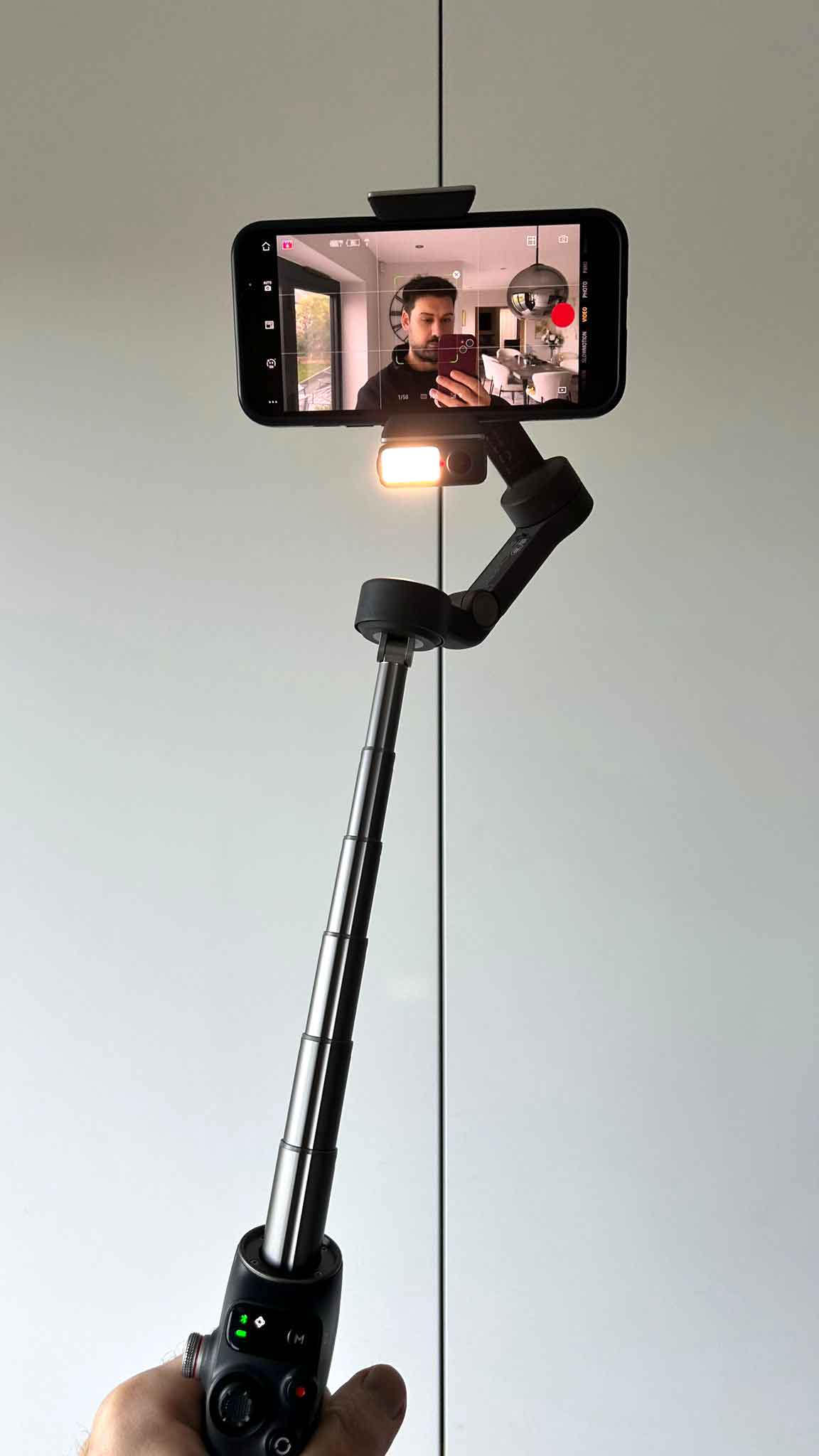
🍎 Apple DockKit support. Using the built-in NFC chip, you can tap your iPhone against the gimbal’s handle and enjoy Apple DockKit support. Once your phone is magnetically attached, you can access subject tracking within the native iPhone camera app or compatible third-party apps.
🔋 Charges your phone when in use. Capturing video on any phone drains the battery fast. Thankfully, you can charge your phone through DJI’s gimbal, so there’s no fear of it dying during a livestream or halfway through a concert. You can also hook up a power bank for those marathon recording sessions.
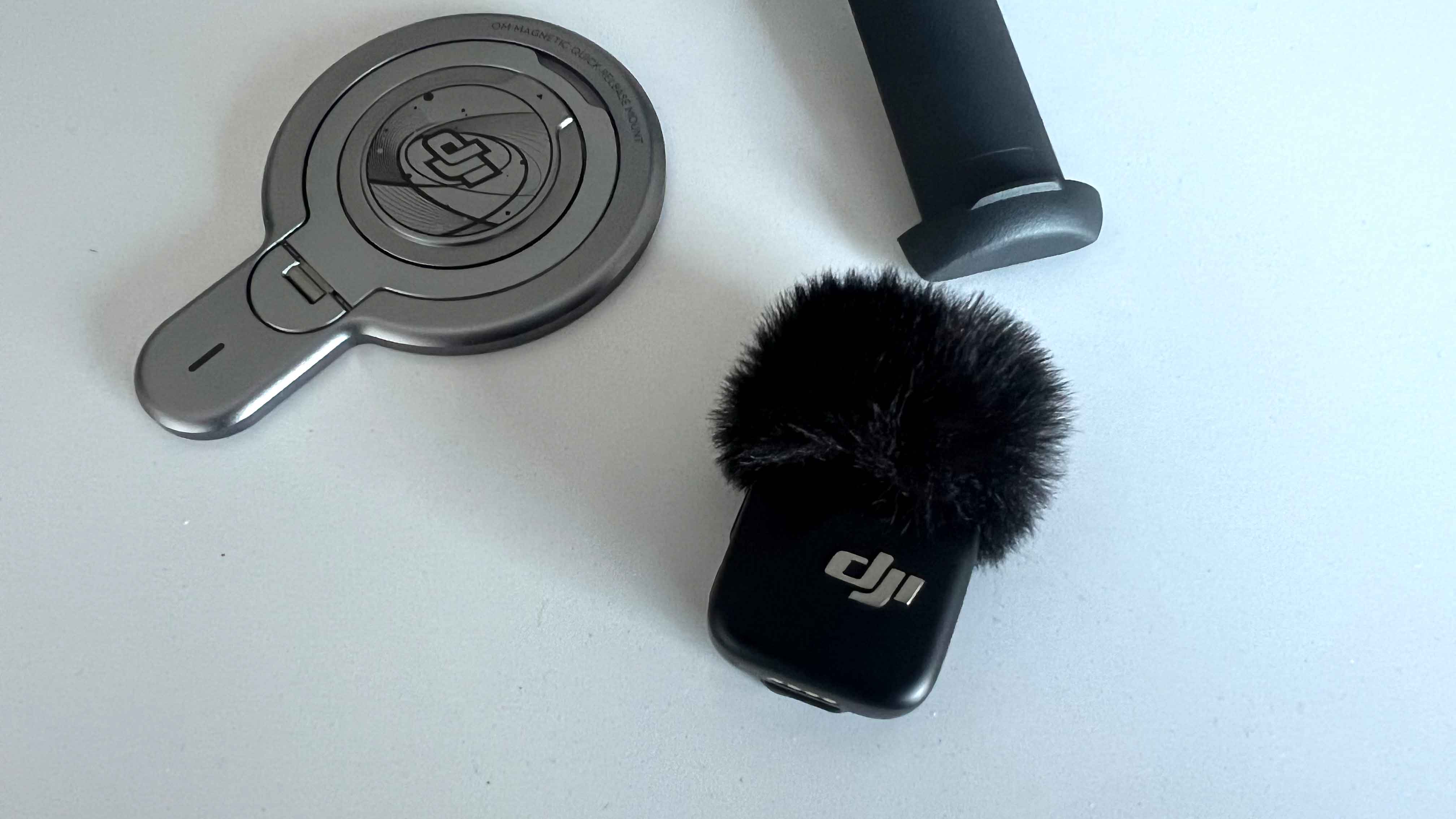
🎤 Pairs with the DJI Mic Mini, Mic 2, Mic 3. DJI’s range of wireless microphones work in tandem with the DJI Osmo Mobile 8 multifunctional module, giving you excellent audio quality without having to rely on your phone’s mic.
✌️ Gesture controls. Ideal when you have the gimbal on the tripod, the DJI Osmo Mobile 8 supports various gestures for hands-free control. You can adjust the framing, start/stop a video recording or intelligent tracking, and even take a photo. It works surprisingly well.
🎓 Lots of tutorials to watch and learn from. There’s a learning curve to overcome when using the DJI’s handheld gimbal, but you’ll find plenty of useful tutorials and explainers to help you get the most out of your device.
📱 More tailored to iPhone users than Android. The DJI Osmo Mobile 8 features several perks for iPhone users, specifically Apple DockKit and DualLens Boost (that uses wide-angle and telephoto lenses together). It’s not a deal breaker for Android users, but it’s worth noting you won’t be able to take full advantage of the Osmo Mobile 8’s feature set.
🇺🇸 Not available in the US. Unfortunately, DJI’s latest gimbal isn’t available in the US because of the Federal Communications Commission (FCC) ban that took place in late 2025. This may change one day, but for now, US consumers are out of luck.
You’ll have to spend a bit of time figuring everything out.
🤷♂️ Very much designed for USB-C. This particular nitpick is specific to those on older iPhones, like me. If you’re still rocking an iPhone with Lightning port, you’ll need to purchase a USB-C to Lightning charging/audio recording cable. It would be nice if the cable were included, but USB-C is the defacto standard these days, so it’s understandable why this accessory is sold separately.
🤔 Don’t expect to know how to use it right away. Like I mentioned previously, as intuitive as the DJI Osmo Mobile 8 is in many respects, you’ll have to spend a bit of time figuring everything out. Seasoned camera enthusiasts will pick things up quickly, but novice users should take the time to learn the ins and outs before they start shooting.
✅ You’re a budding content creator or vlogger
✅ You want to take your cinematography to the next level
✅ You want to capture epic moments in the best possible way
❌ You rarely use your phone for video or photos
❌ You’re based in the US
❌ You have an Android phone and don’t want to use the DJI Mimo app
Adam Vjestica is The Shortcut’s Senior Editor. Formerly TechRadar’s Gaming Hardware Editor, Adam has also worked at Nintendo of Europe as a Content Marketing Editor, where he helped launch the Nintendo Switch. He also runs a retro gaming YouTube channel called Game on, boy! Follow him on X @ItsMrProducts.