 2 hours ago
1
2 hours ago
1
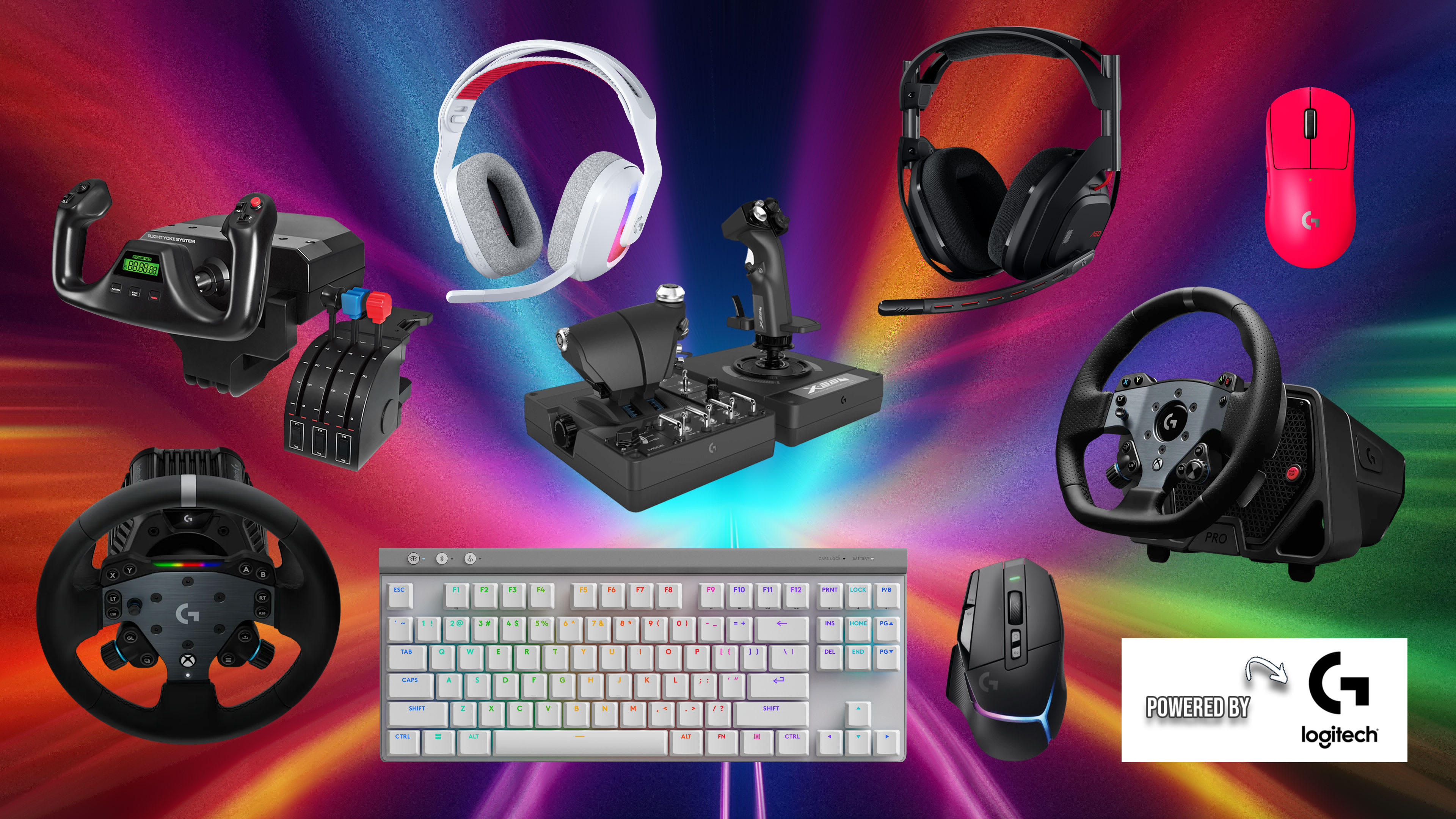
There are too many gaming peripherals to keep track of, including gaming headsets, controllers, keyboards, mice, flight sticks, and racing wheels. You could easily pore over YouTube videos, Reddit threads, and individual buying guides for days – instead, here’s the short version of how to choose the best gaming peripherals.
Whether you’re looking for a better controller for console gaming, want the best keyboard and mouse for PC gaming, or want to take your flight/racing sim to the next level, finding the right peripherals will enhance your gaming experience and help you build the ultimate setup. Here’s what to look for and a few recommendations on the best gaming peripherals in each class.

It’s essential to have the best gaming visuals on a 4K TV or gaming monitor; it’s just as vital to immerse yourself with a gaming headset. Gaming headsets can cost anywhere from $75 to $600, and within this price range, you’ll find a wide range of sound quality, comfort, customization, and features.
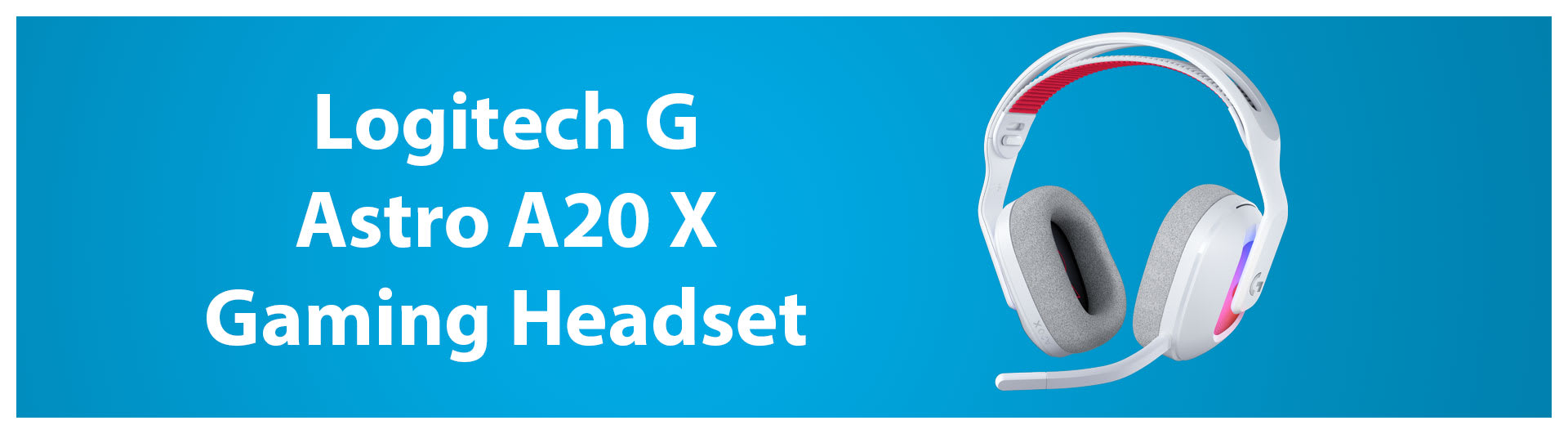
Aside from price, the first thing you should consider for a gaming headset is how many platforms you need it for. The days of buying one gaming headset per platform or moving it between devices are over, thanks to headsets that connect to multiple consoles simultaneously. The $159 Logitech G Astro A20 X is easily our favorite gaming headset for its ability to support two separate gaming systems and its flexible equalizer.
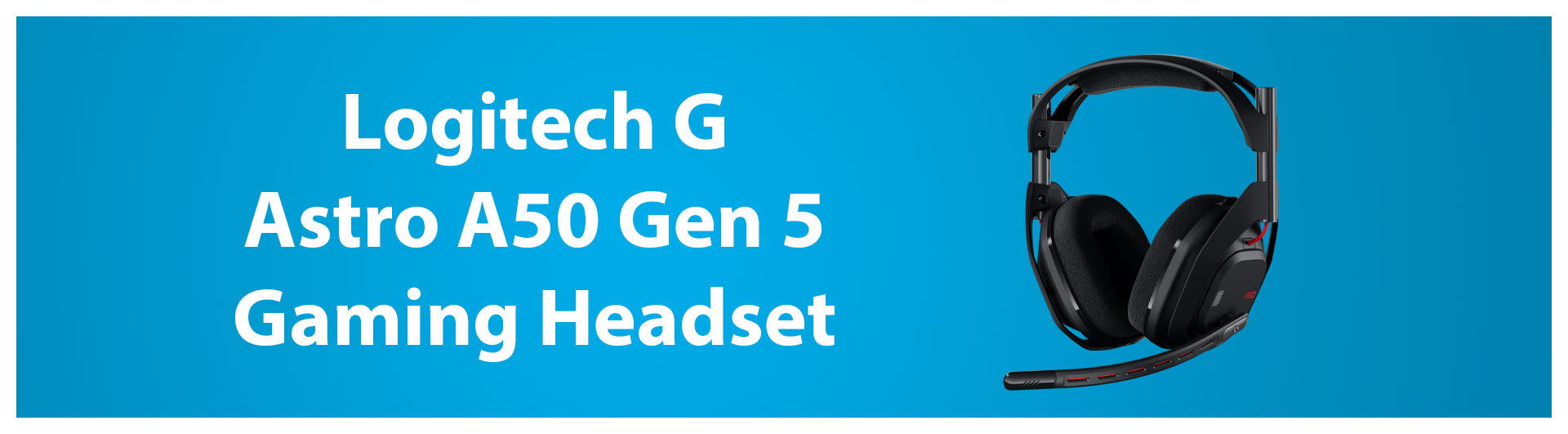
If you’re connecting up to three systems at a time, you should upgrade to the Logitech G Astro A50 Lightspeed Gen 5. It costs $259, but you would spend just as much on three separate gaming headsets for each platform. This is also a more full-featured option with a magnetic charging base, simultaneous Bluetooth audio connection, and better sound separation for spatial audio.
Gaming mice are possibly the most subjective gaming peripheral to get into. Some people like a light or heavy mouse, an ambidextrous shape vs an ergonomic one, and how many buttons do you prefer?
The first thing that will help decide which mouse is best for you is whether you hold your mouse in either a palm, claw, or fingertip grip. Larger mice go well with a palm grip, while smaller mice cater better to gamers with a claw or finger tip grip.
One thing I can tell you for certain is that you shouldn’t worry about a wireless mouse adding latency. Wireless technology has improved so much over the years that there’s almost no need for a wired mouse anymore – unless you hate charging batteries.
You’ll also see gaming mice touting high polling rates of 1000Hz, 2000Hz, 4000Hz, or even 8000Hz. This polling rate determines how often your mouse sends positional data to your PC. Usually, higher is better, but you’ll get plenty of smooth aiming motion in games even with a 1000Hz polling rate mouse.
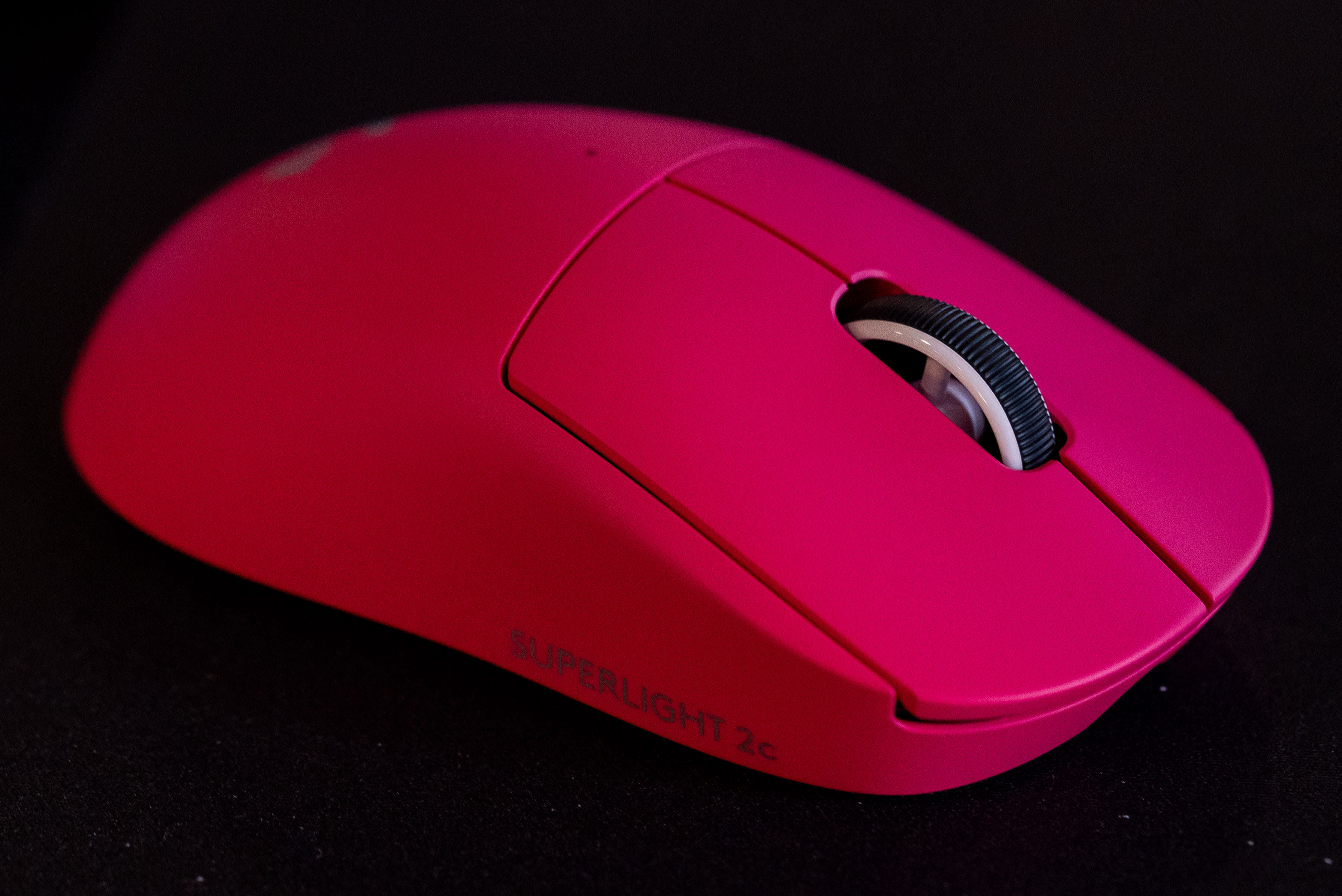
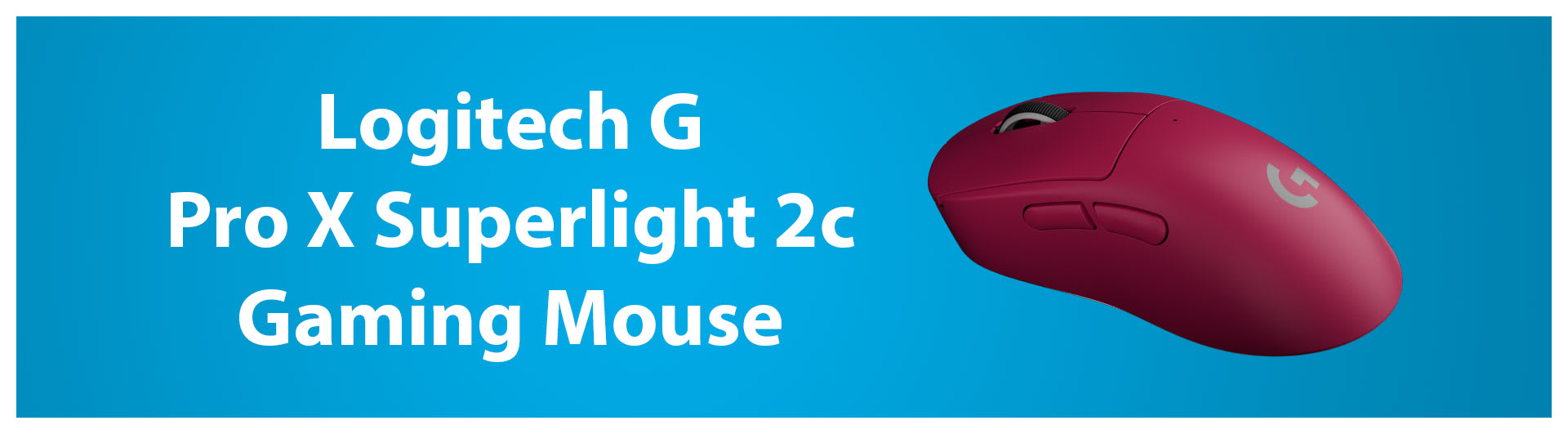
For most people, we recommend the $149 Logitech G Pro X Superlight 2c. Its ambidextrous shape and middle-of-the-road size will work for most gamers, no matter their preferred mouse grip. It’s also absurdly light at just 51g, and it’s not full of holes that will invite dust like other super-light mice.
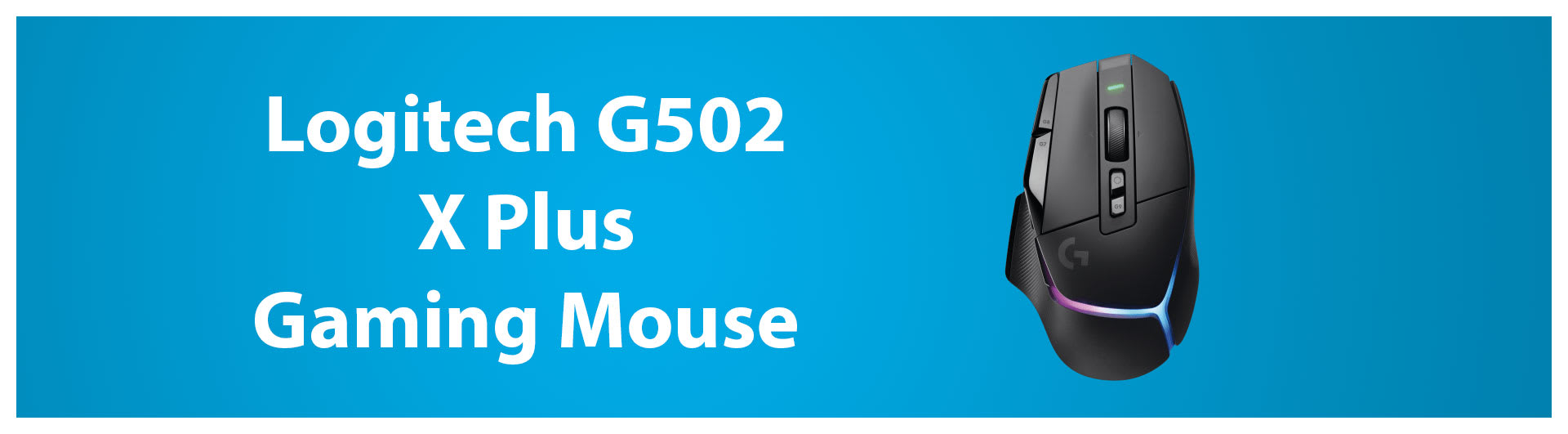
If you prefer a larger, more ergonomically sculpted gaming mouse, consider the $129 Logitech G502 X Plus. It’s fantastically set up for right-handed users and features a unique DPI shift button that reduces mouse sensitivity when held for precise aiming.
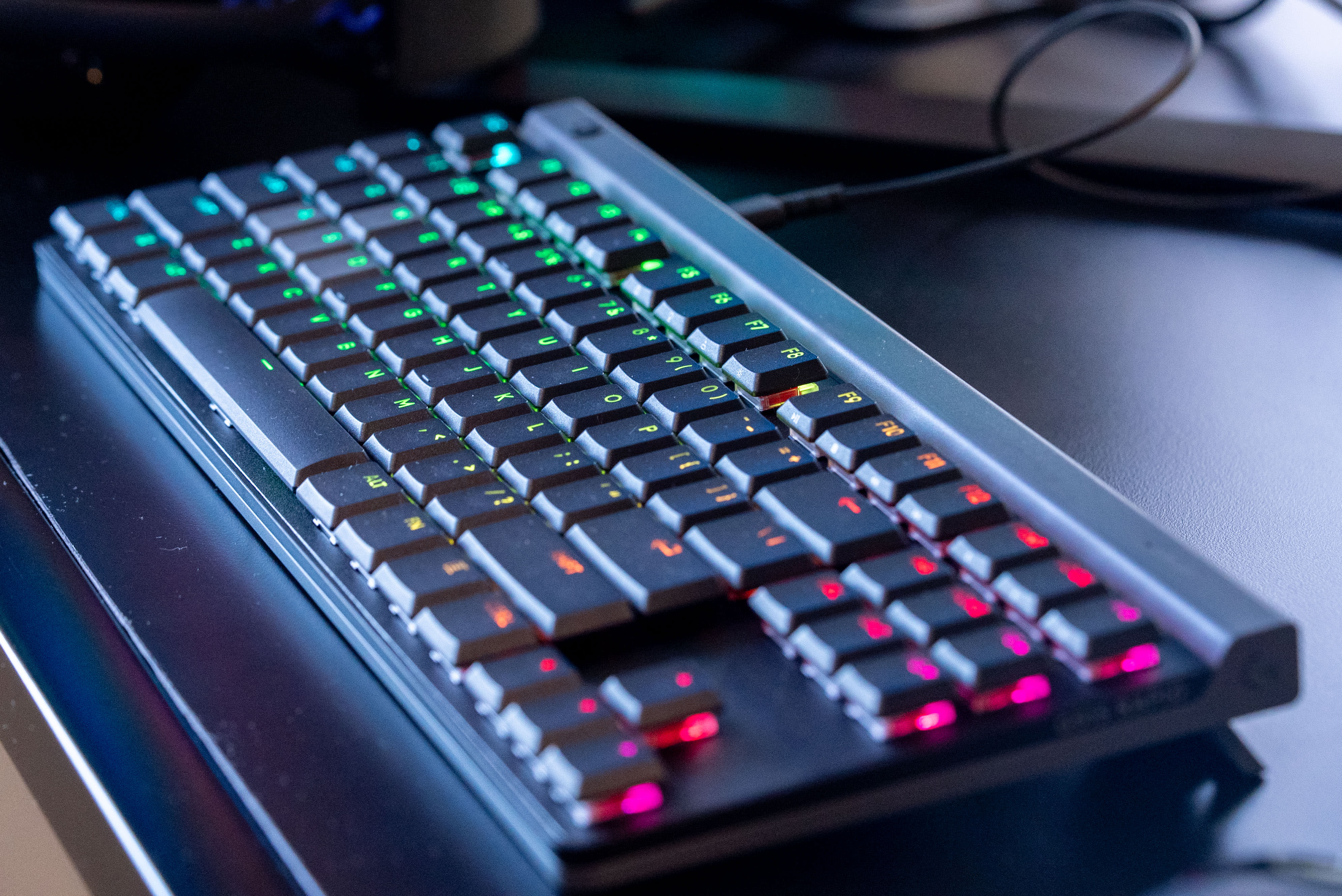
There’s also a lot to consider when picking the right gaming keyboard, including size, keyswitches, key height, and more. Firstly, let’s go over a few different keyswitch types.
Membrane - This is the most basic keyswitch, using a rubber dome to register keystrokes. While membrane keyboards are cheaper and offer a very soft and comfortable typing feel, they’re not very durable and can fail to register simultaneous key presses
Mechanical - Mechanical keyboards fix most of the pitfalls of membrane keyboards by directly connecting metal contacts to register keystrokes. They also offer a more consistent actuation with less latency and can register any number of simultaneous key presses.
Optical - Optical keyboards essentially replace the mechanical element of a keypress with a laser. Pressing any key triggers a tiny light inside each key switch, which translates into a keystroke. The significant advantage of optical keys is that they’re much more durable than mechanical elements rubbing against each other.
Magnetic - This type of keyboard also replaces the mechanical key switch with magnets. However, unlike the binary on/off only nature of other key switches, you can program magnetic keys to perform different functions depending on how deeply they’re pressed.
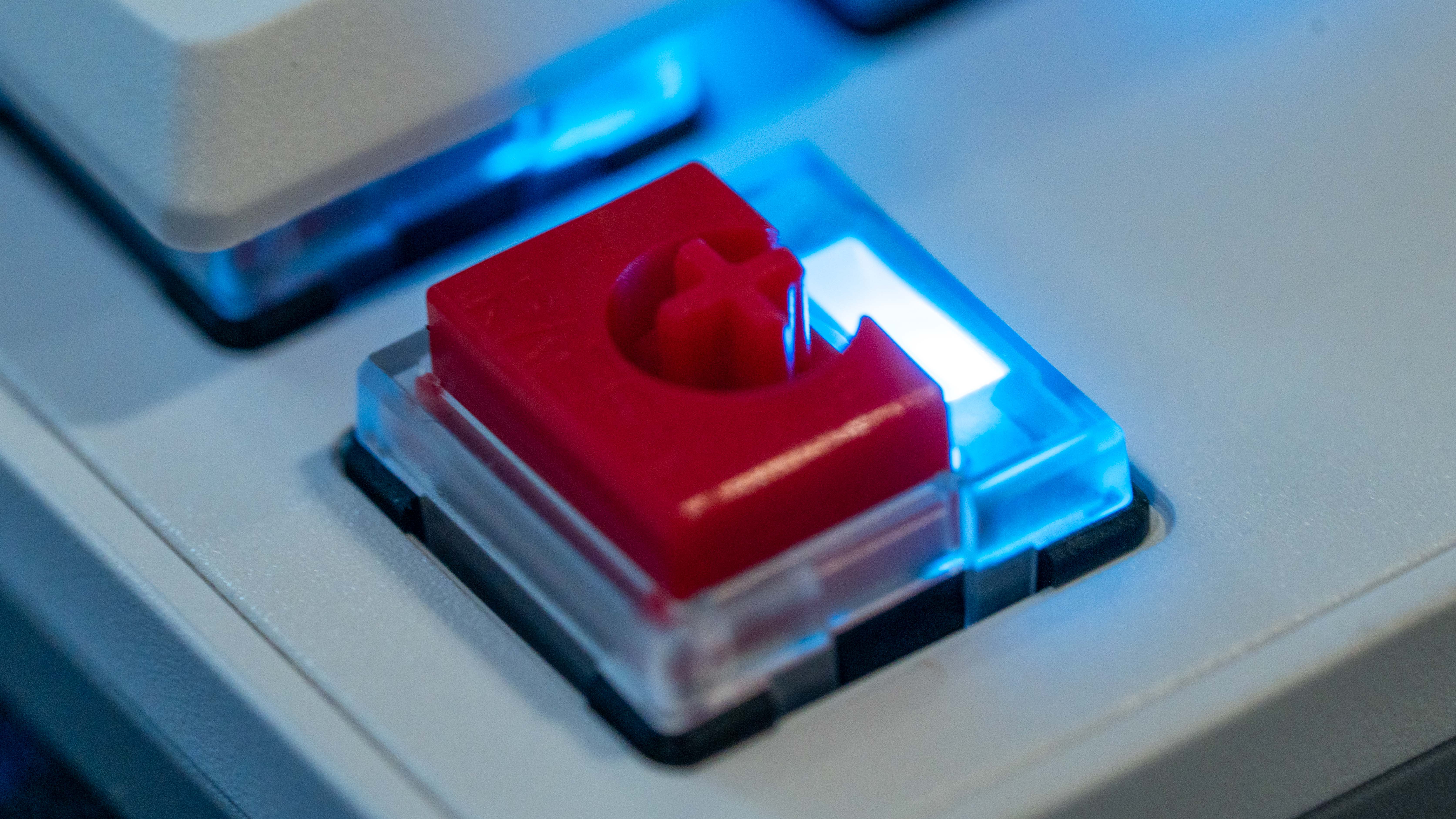
Generally, you’ll want a gaming keyboard with at least mechanical switches. Magnetic switches, meanwhile, have seen increased adoption and outpace the functionality of an optical keyboard if you have the money to splurge.
There’s also the feel of your gaming keys to consider, which basically comes down to how annoying you want to be to those around you. If you don’t want any resistance or noise, go with linear keycaps. Tactile keys are similarly quiet but have a distinct bump when pressed. Lastly, clicky switches actuate with an audible click you can also feel, but they can be extremely disruptive to those around you.
Gaming keyboards also come in multiple key heights, depending on whether you prefer the feel of full-height key caps or a low-profile keyboard like a laptop. There are also mid-height keyboards that split the difference with almost half-height keycaps.
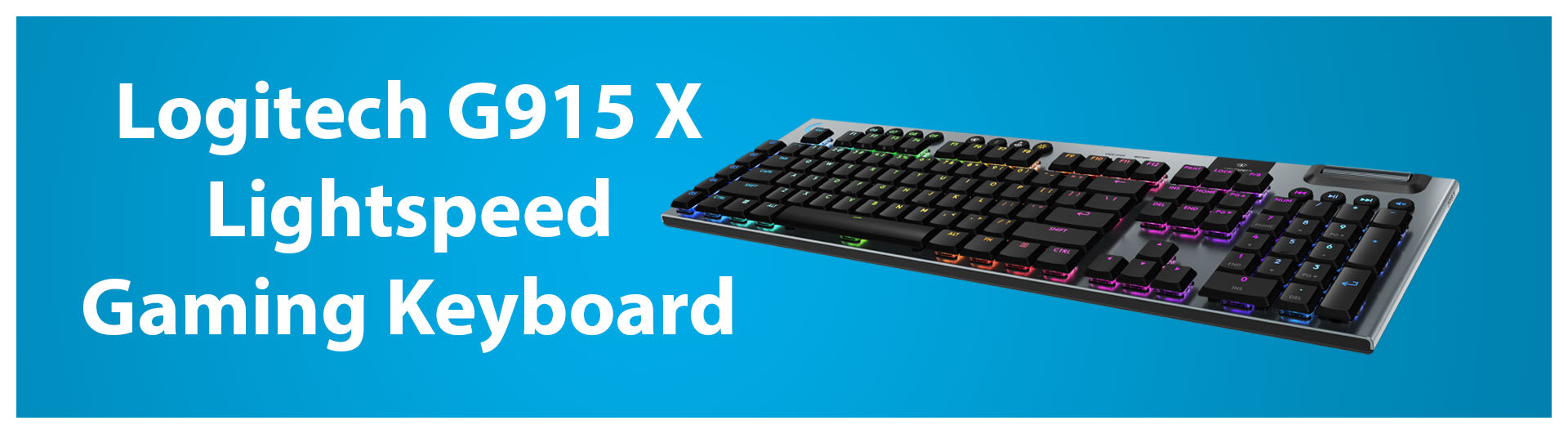
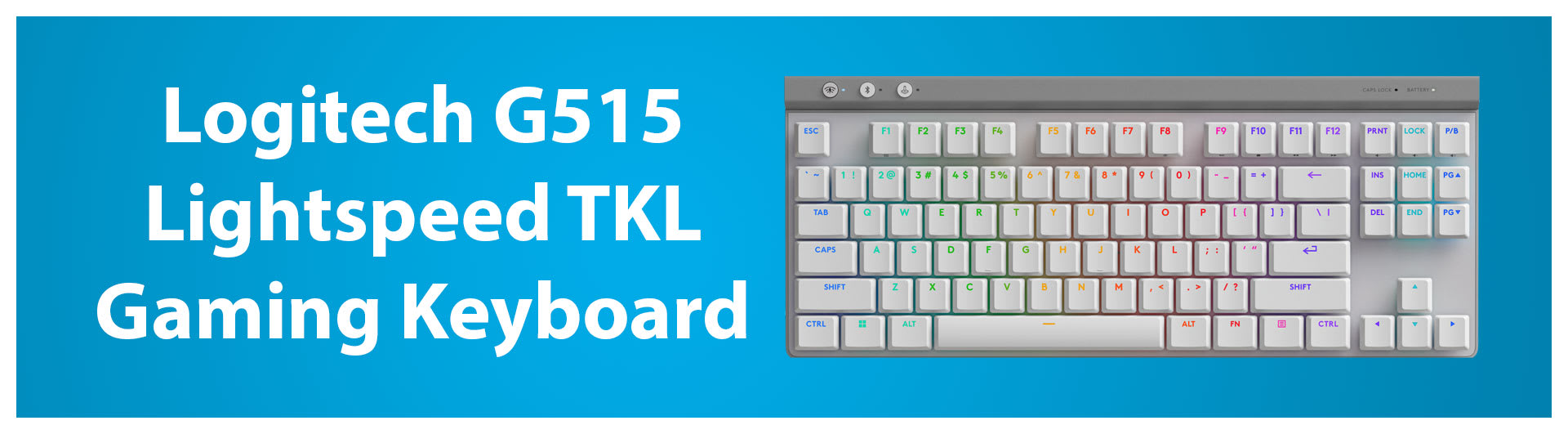
The $229 Logitech G915 X Lightspeed and the $129 Logitech G515 Lightspeed TKL are our top picks for gaming keyboards. They’re both wireless and use durable mechanical key switches, and we love how their low-profile shape keeps our fingers from having to reach high over the keys.
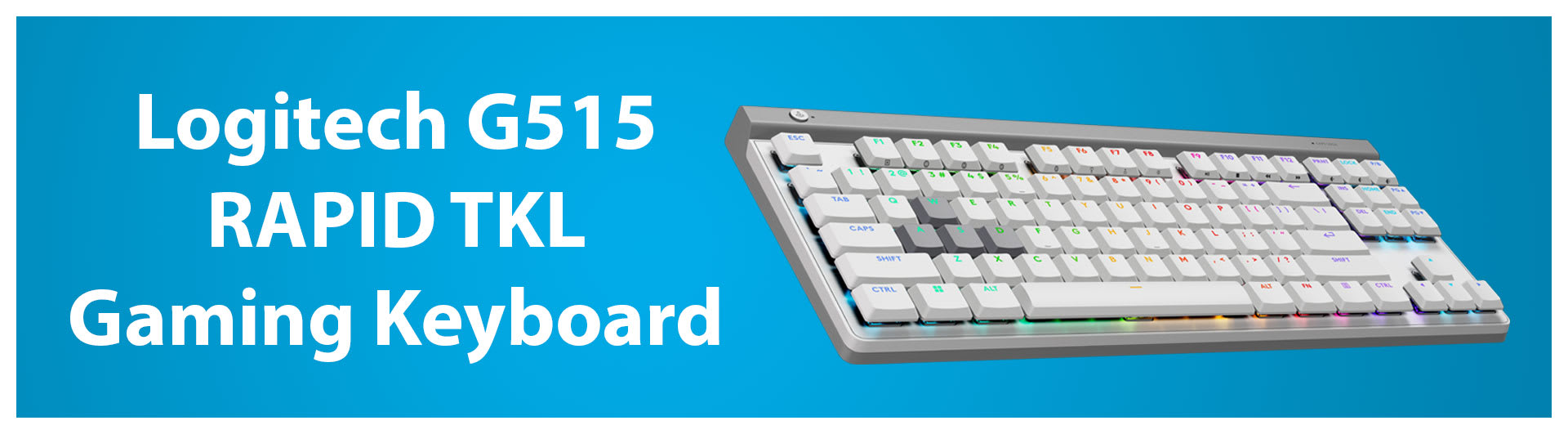
The $169 Logitech G515 Rapid TKL is also a standout, as its magnetic keyswitches add much more versatility, with programmable primary and secondary functions on each key. You can set the C key, for example, to crouch when lightly pressed and then go prone when fully actuated.
While you can get by with just a controller in a flight or space simulator, we recommend a flight stick for a more immersive experience. You’ll be able to move your craft with more 1:1 control, and flight sticks often come with more buttons and other controls called hat switches that align with aircraft functions.
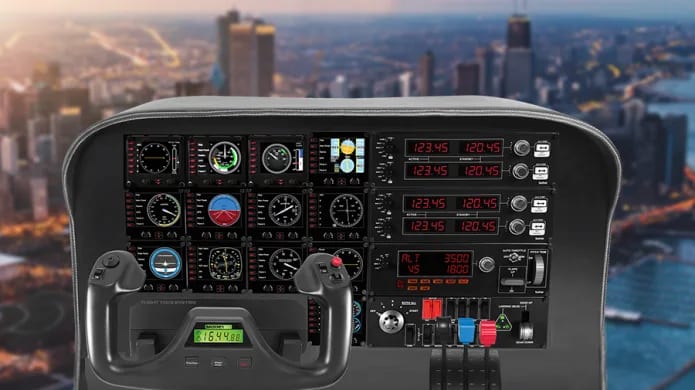
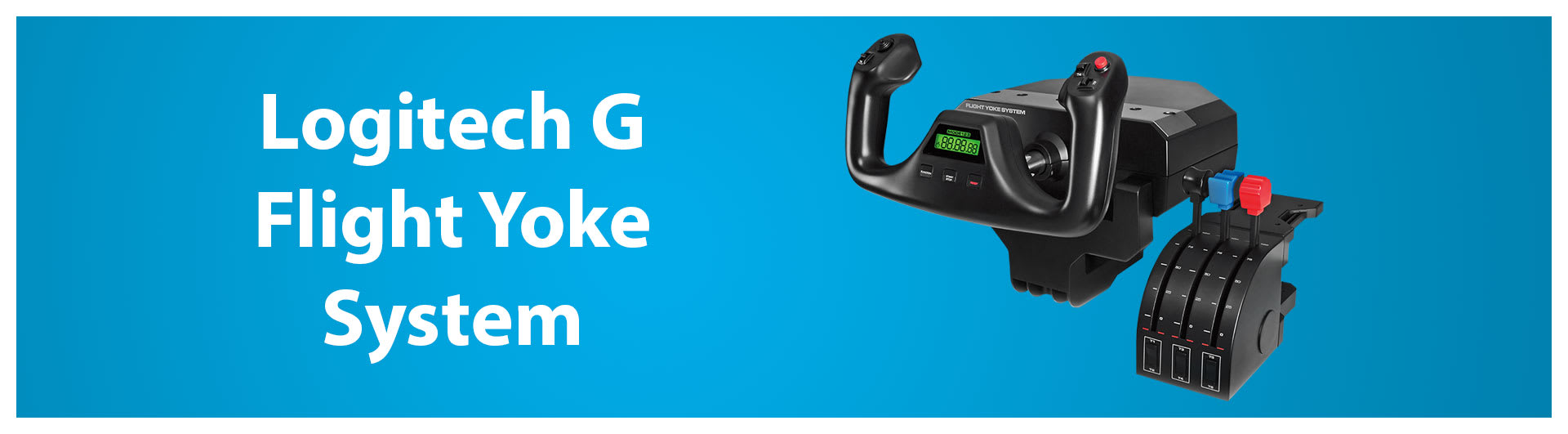
There’s a huge variety of flight sticks, flight yokes, throttles, pedals, and more to get into with the flight sim world. If you’re just starting with Microsoft Flight Simulator and piloting commercial airliners, get a flight yoke. The best we’ve tried is the $159 Logitech Flight Yoke System. It makes turning planes smoother than a joystick, and it features a throttle quadrant to manage all your jet engines.
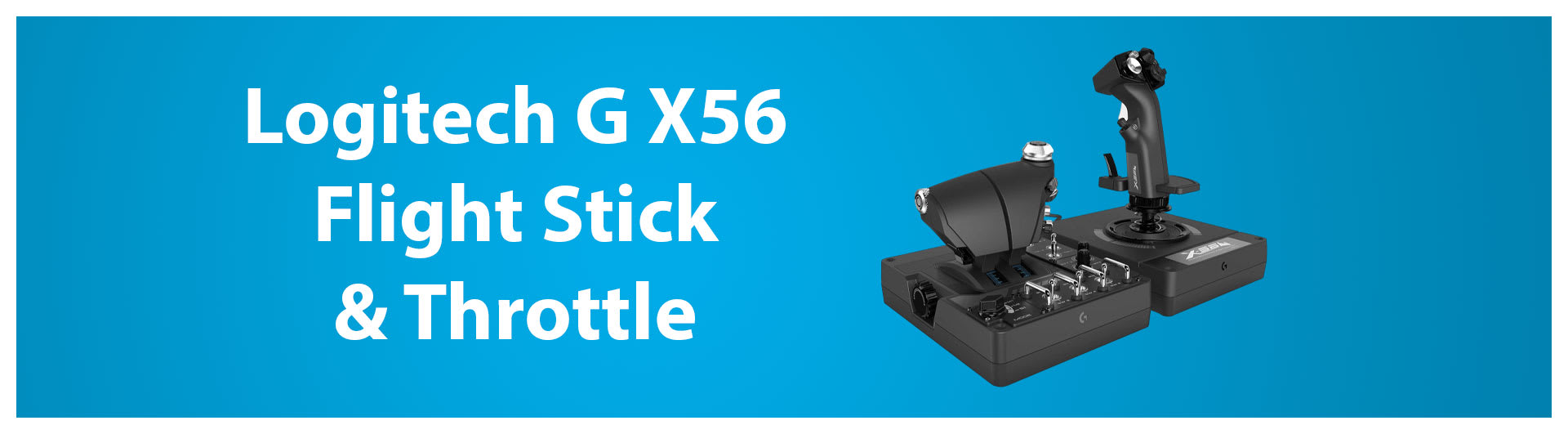
If you’re feeling the need for speed and play mostly fighter plane games like Ace Combat 7 and Project Wingman, check out the $199 Logitech G X56 H.O.T.A.S. It offers 13 axes of tilt and 189 programmable buttons/hat switches, making it well-suited for both flight and space sims. The throttle, meanwhile, gives you a tactile way of adjusting your air speed or switching to FTL in space sims.
Racing wheels are another niche gaming peripheral that can help you perform better at racing games, but as with flight sticks, they’re not entirely essential. If you just play racing games casually and most of your racing titles include arcade-style games like Mario Kart and Need for Speed, you’ll be fine with just a controller. However, if you want to feel the weight of your car, hit turns precisely, or drift like Ken Block, then here’s what you need to know about racing wheels.
The first thing that differentiates racing wheels from each other is their force feedback system, which falls into three categories:
Gear drive is the most basic type of wheel mechanism, in which the wheel is attached to the force-feedback gears. This type of mechanism can deliver strong force feedback, but there’s no nuance for subtle resistance. Gear-drive wheels also tend to be noisy, and turning the wheel can feel notched due to the gears’ spokes.
Belt drive offers a smoother experience with more detailed force feedback. This mechanism essentially puts a belt between the force feedback motor and your wheel axle. This setup allows for stronger motors, while the belt smooths out turning and wheel vibrations.
Direct drive connects the wheel directly to a more powerful force-feedback motor. These wheels offer the strongest resistance, up to 25 newton meters of force, which can give your forearms a workout. The force feedback on these wheels is so strong that we recommend not locking your thumbs into the wheel and wearing gloves to reduce hand wear during a long race.
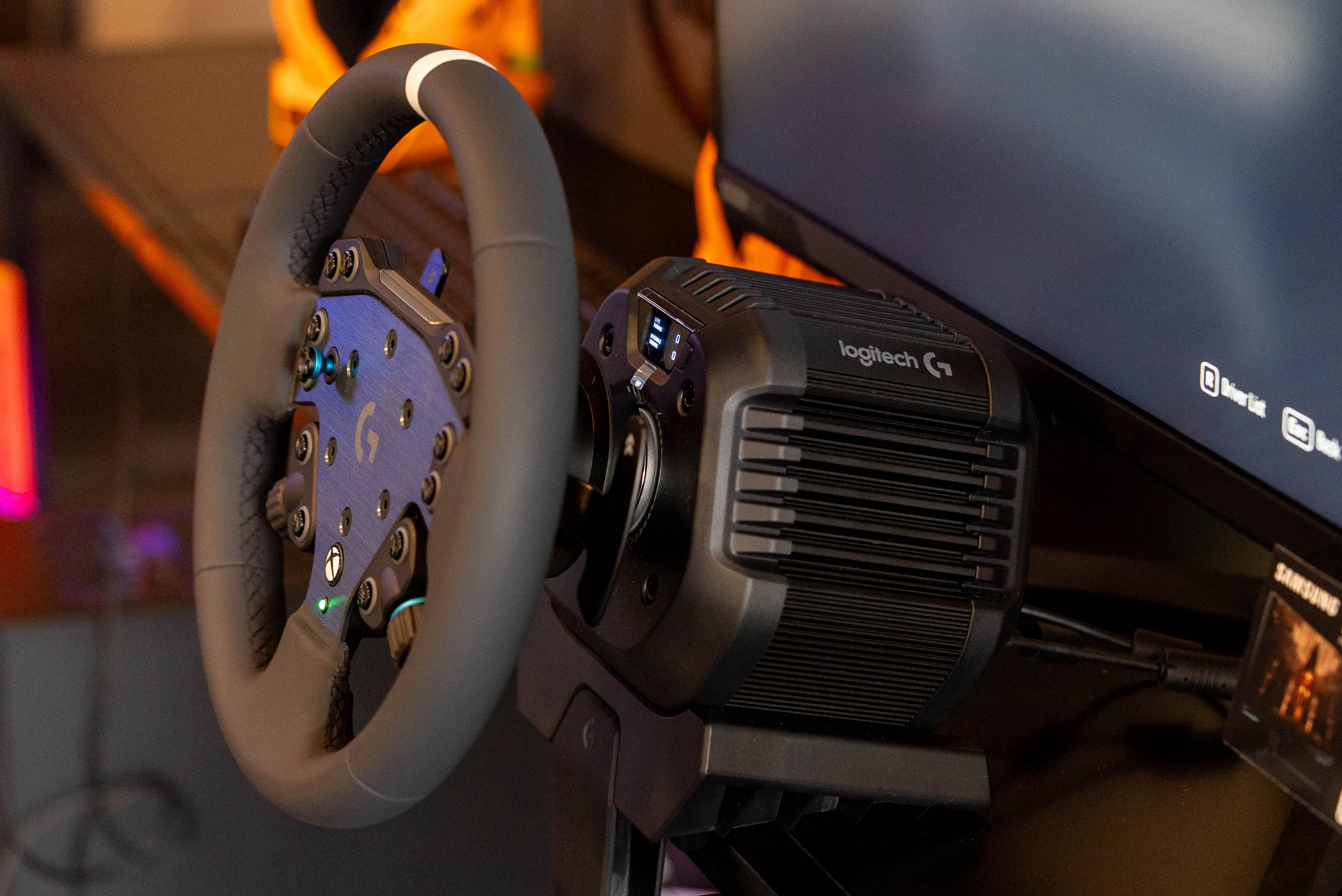
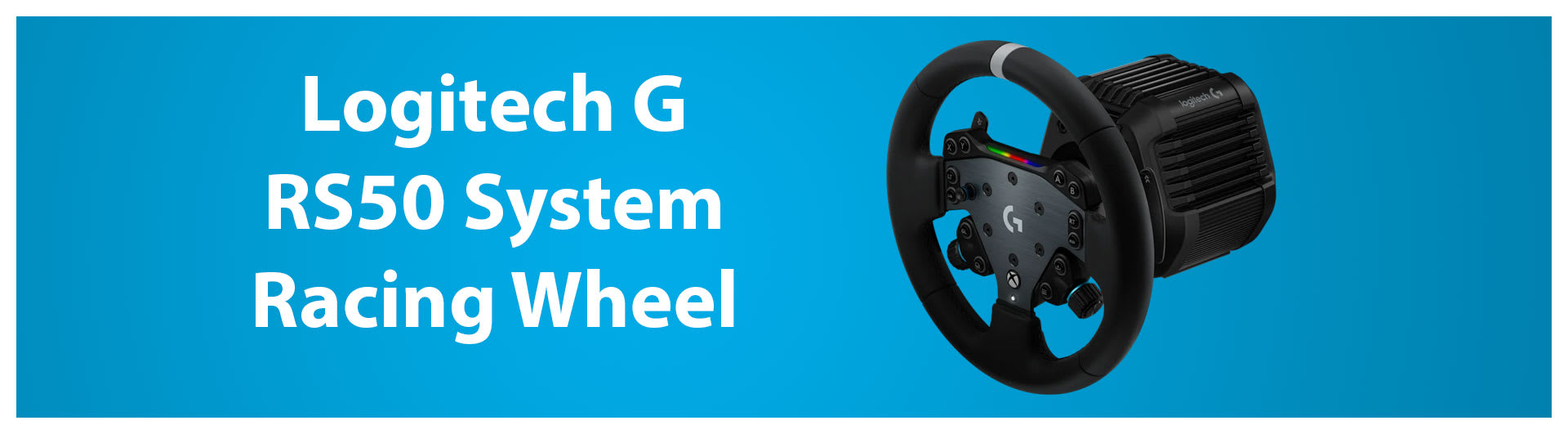
Direct drive wheels have become much more ubiquitous and affordable in the racing-sim world, so we recommend skipping other types of wheels and going for the best. The Logitech RS50 System is our top recommendation, as it gives you a full wheelbase, race wheel, and pedal setup for $699.
The Logitech G drives a considerable eight newton-meters of force, which makes controller haptics feel like a vibrating smartphone. Logitech also exclusively offers TrueDrive force feedback, which translates the audio and physics of a moving car into subtle vibrations so that you can feel the rumble of your virtual engine and the road surface.
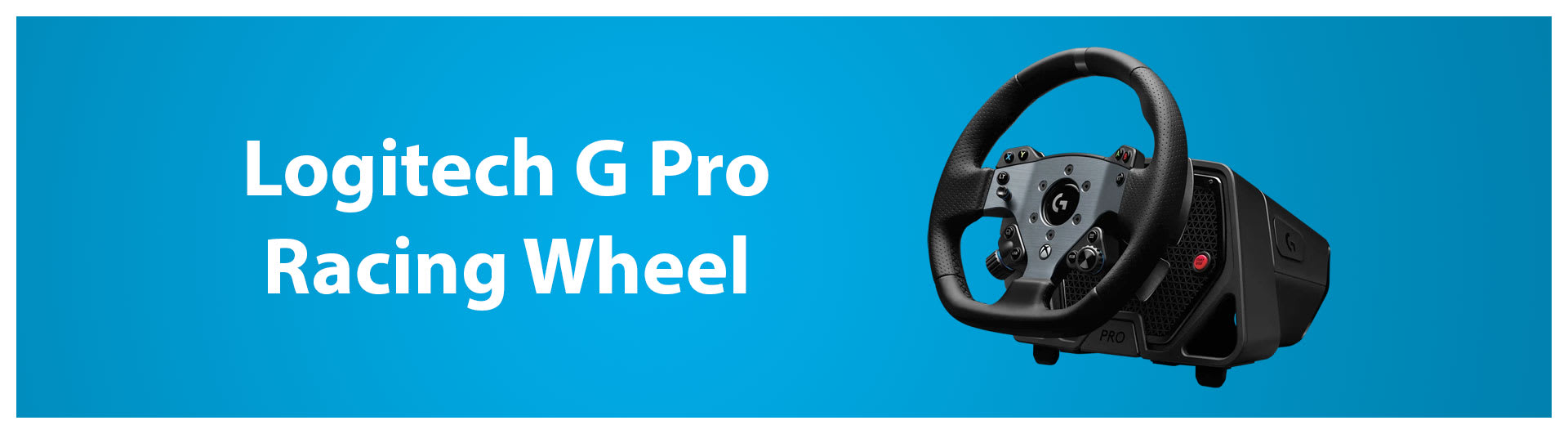
If you want even more force feedback, consider the $1,119 Logitech G Pro Racing Wheel – now that price only includes the wheel, while the pedals are another $279. This higher-end wheel increases the force feedback to 11 newton meters. However, this added power also makes it significantly bulkier and heavier than the RS50 wheel. It can also be noisier due to its active cooling fan.
One advantage of the Logitech G Pro Racing Wheel is its G923 compatibility mode, which enables it to work with older games.
That’s just the basics for a racing wheel. Be sure to check out our complete guide on how to build the ultimate racing rig if you’re also looking for a racing cockpit, shifter, and more.
Kevin Lee is The Shortcut’s Creative Director. Follow him on Twitter @baggingspam.