
 4 hours ago
3
4 hours ago
3
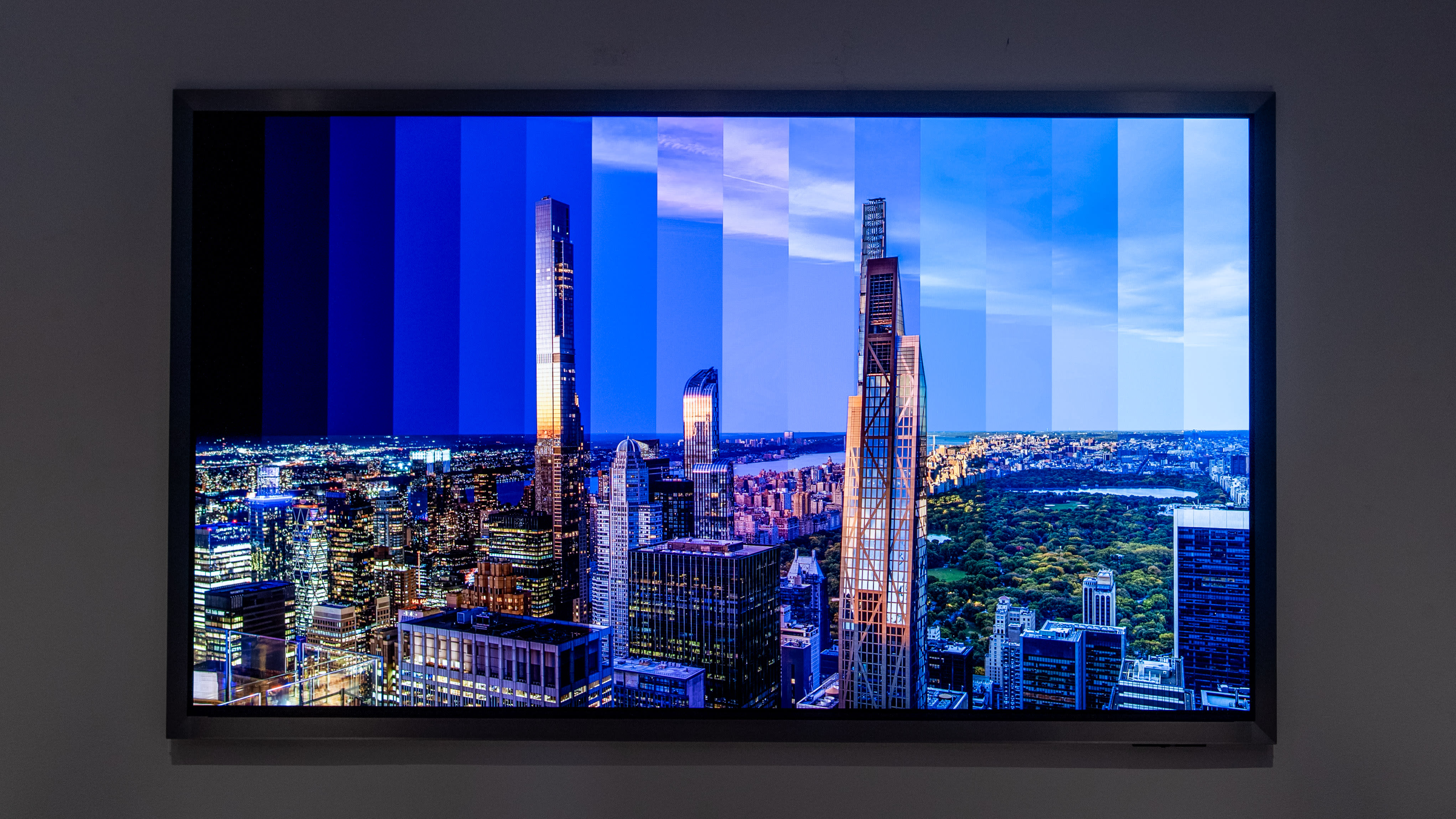

🖼️ Samsung S95H QD-OLED features a new wall-mounted-focused FloatLayer design
🎑 Art Mode comes to one of Samsung’s QD-OLED TVs for the first time
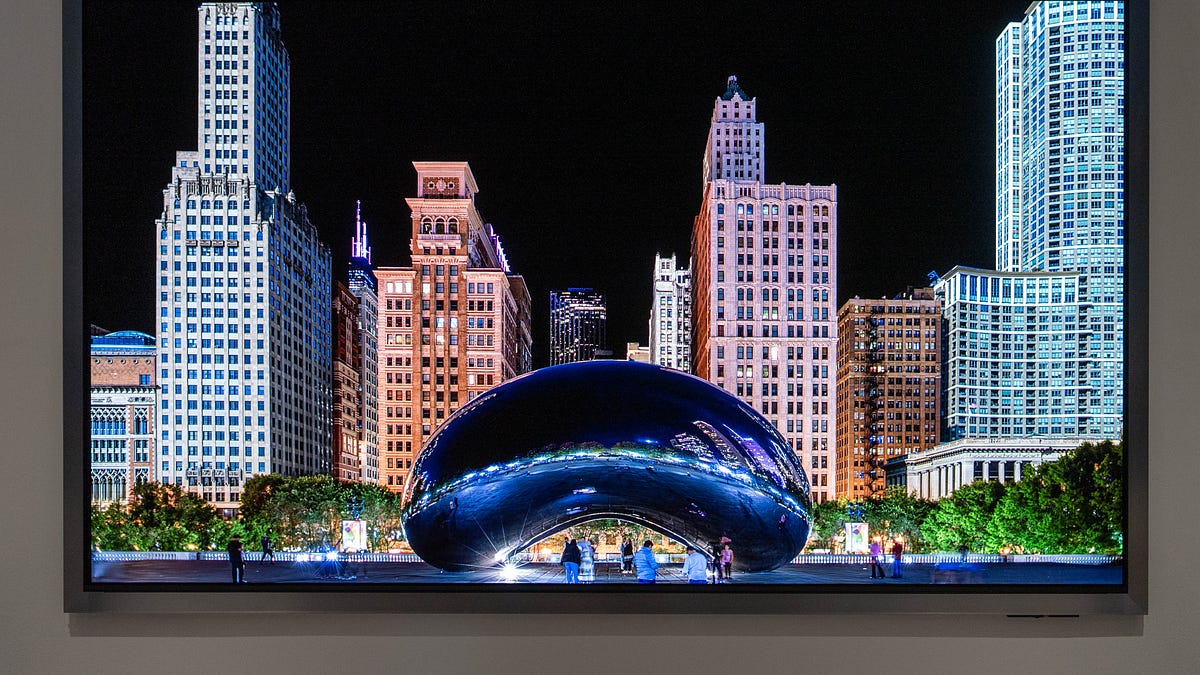
🌉 Artwork looks almost 3D on the Samsung S95H because its so much brighter, colorful, and detailed
🔧Samsung promises its fixed the burn-in issue on OLEDs displaying static images
🔌 HDMI 2.1 relocated to the back of the TV as Samsung ditches the OneConnect Box
🛜 Optional Wireless OneConnect Box adds another four HDMI 2.1 ports for eight total devices
📏 Smaller range of available sizes: 55-, 65-, 77-, and 85-inches only
The Samsung S95H QD-OLED is the brand’s most different and experimental TV in years. It features a non-removable frame that makes it look more like an art piece, and it’s the first QD-OLED screen that sports Art Mode. Normally, static images displayed on an OLED screen for hours to days is a really bad idea, but Samsung claims it’s solved the burn-in issue, and I certainly hope it has. Artwork shown on the Samsung S95H QD-OLED looks almost three-dimensional because of how bright, colorful, and detailed it is. It blows The Frame Pro out of the water.
Beyond the artistry of the Samsung S95H’s new design, it might also be the most flexible 4K TV on the market that can support up to eight HDMI 2.1 devices. The TV has four built-in HDMI 2.1 ports, and it can add four more with an optional Wireless OneConnect Box. Samsung also claims the S95H is 35% brighter and has an improved color filter for even better picture quality. My favorite thing is that this TV also ships with G-Sync, finally taking the exclusive feature from LG TVs, allowing it to support variable frame rates on all platforms, including PS5 Pro, Xbox Series X, Nintendo Switch 2, as well as both AMD- and Nvidia-powered gaming PCs.
If you’re looking for a TV that can do it all, from showing background art, HDR movies, and fast-paced gaming, the Samsung S95H QD-OLED is a solid buy. Just make sure to wall-mount this TV, where it’ll look best.
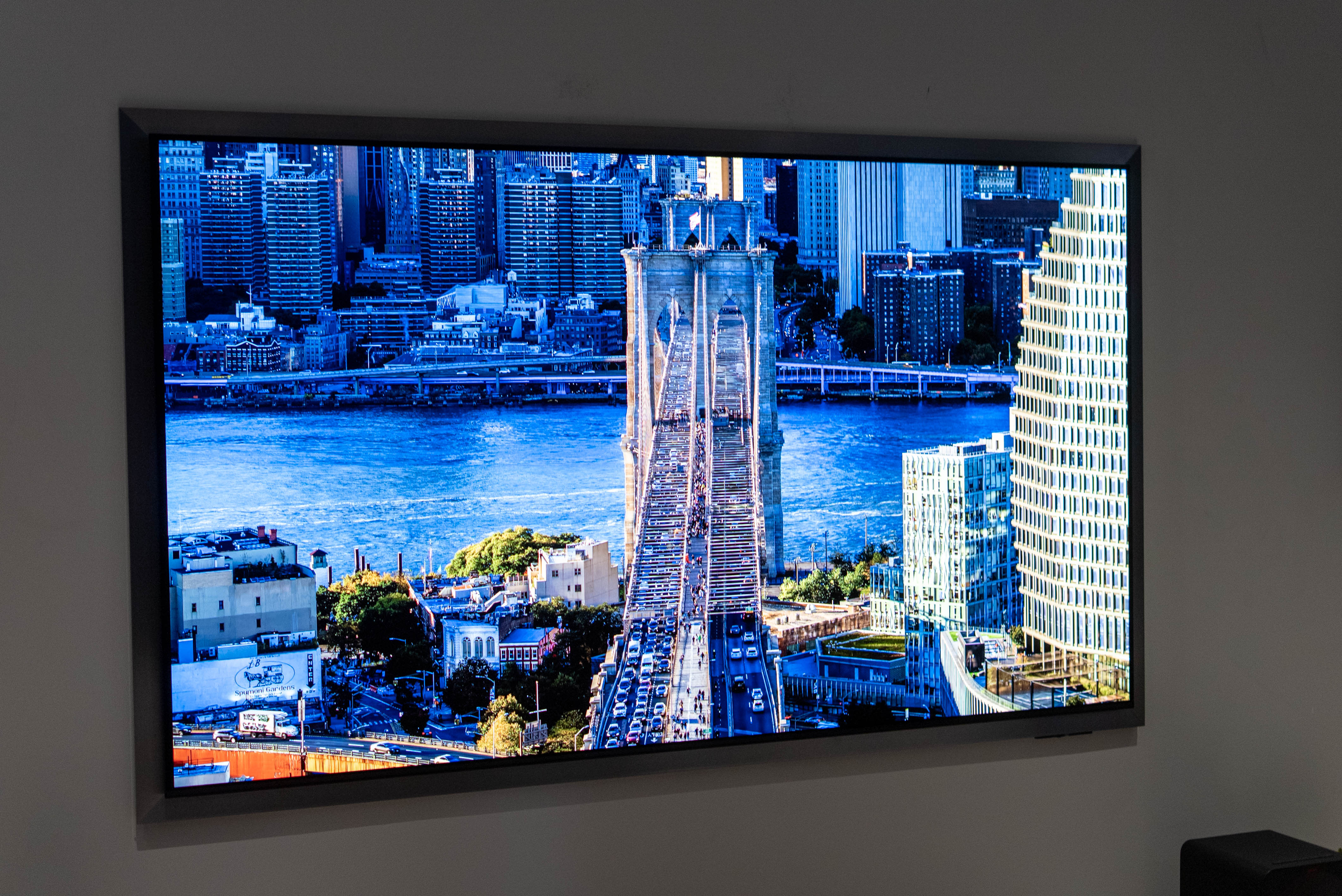
📐 Floating design. The most controversial change Samsung has made to the S95H QD-OLED is its new FloatLayer design, which basically adds a non-removable frame all around the TV. This design should allow the TV’s art frame to sit flush against the wall, while the bezel of the screen extends slightly forward, making the display look like it’s floating. It’s an interesting design that zhuzhs up a wall-mounted TV for displaying art, which I’ll get into soon.
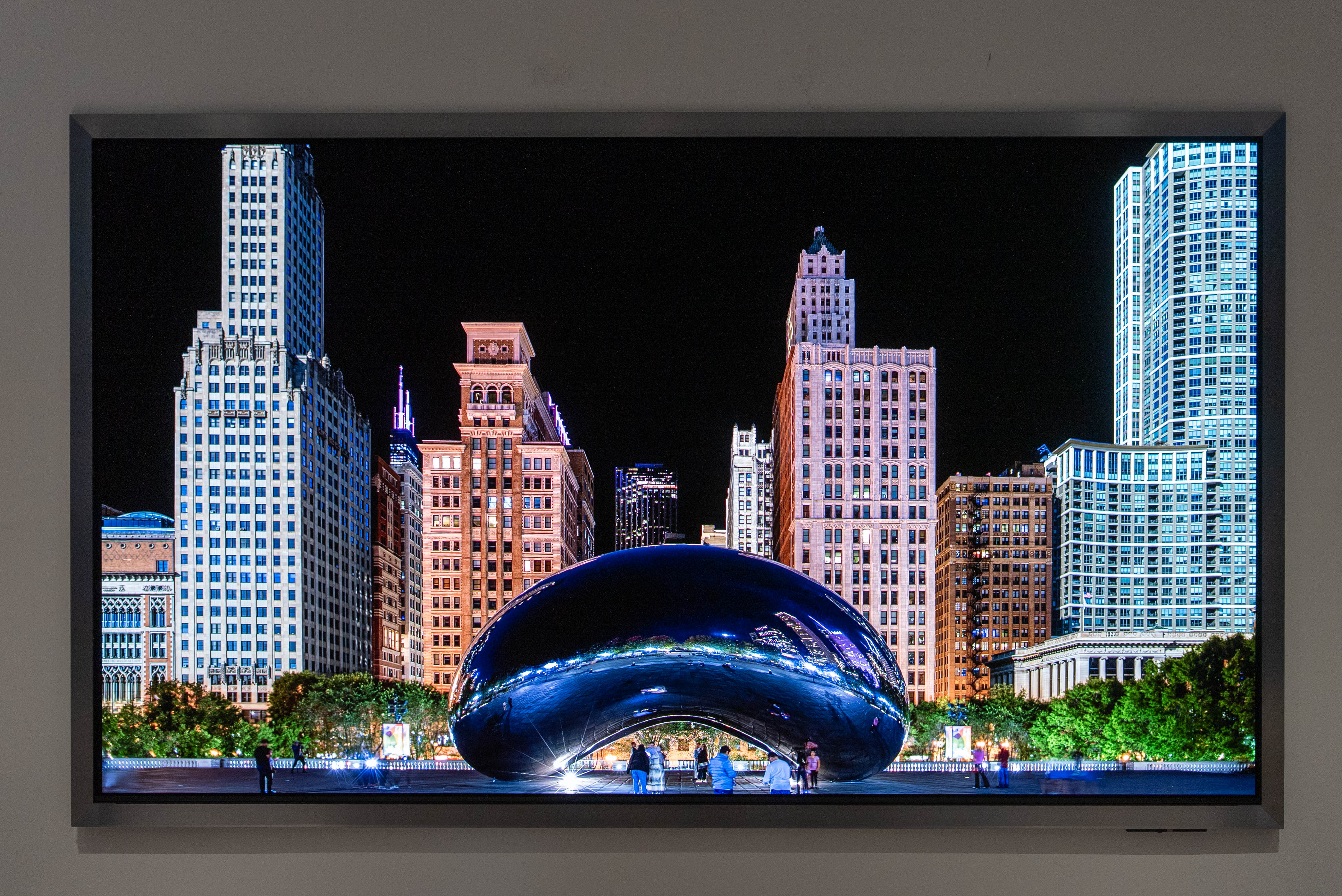
Personally, I’m torn on this new design. Scenes like this shot of Chicago are like staring through a floating window rather than at a TV. However, the frame really requires your TV to be perfectly flush against the wall. If there’s a larger gap at the bottom of the TV, it’ll make the TV appear more askew than it would without the frame. The other problem is that the non-removable frame looks like a thick bezel when the TV is attached to its standard TV stand, for anyone who doesn’t want to or can’t wall-mount.
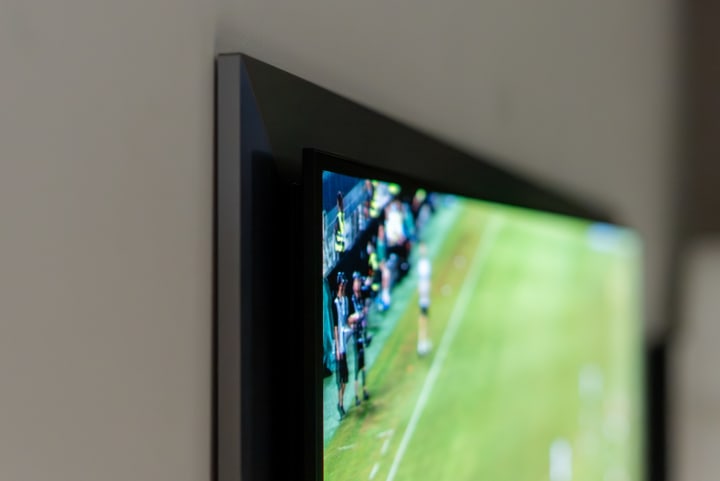
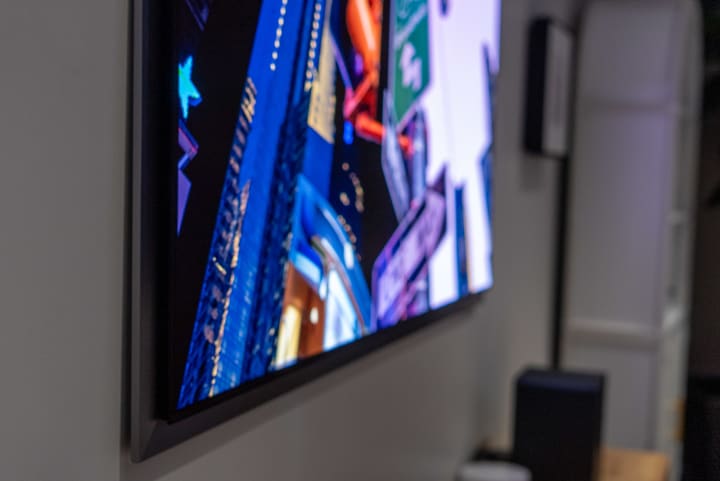
I would have much preferred a Floating Design with a removable frame. Instead, there will be optional bezels – including brass, wood, and other finishes – that you can magnetically swap out for the standard gunmetal frame.
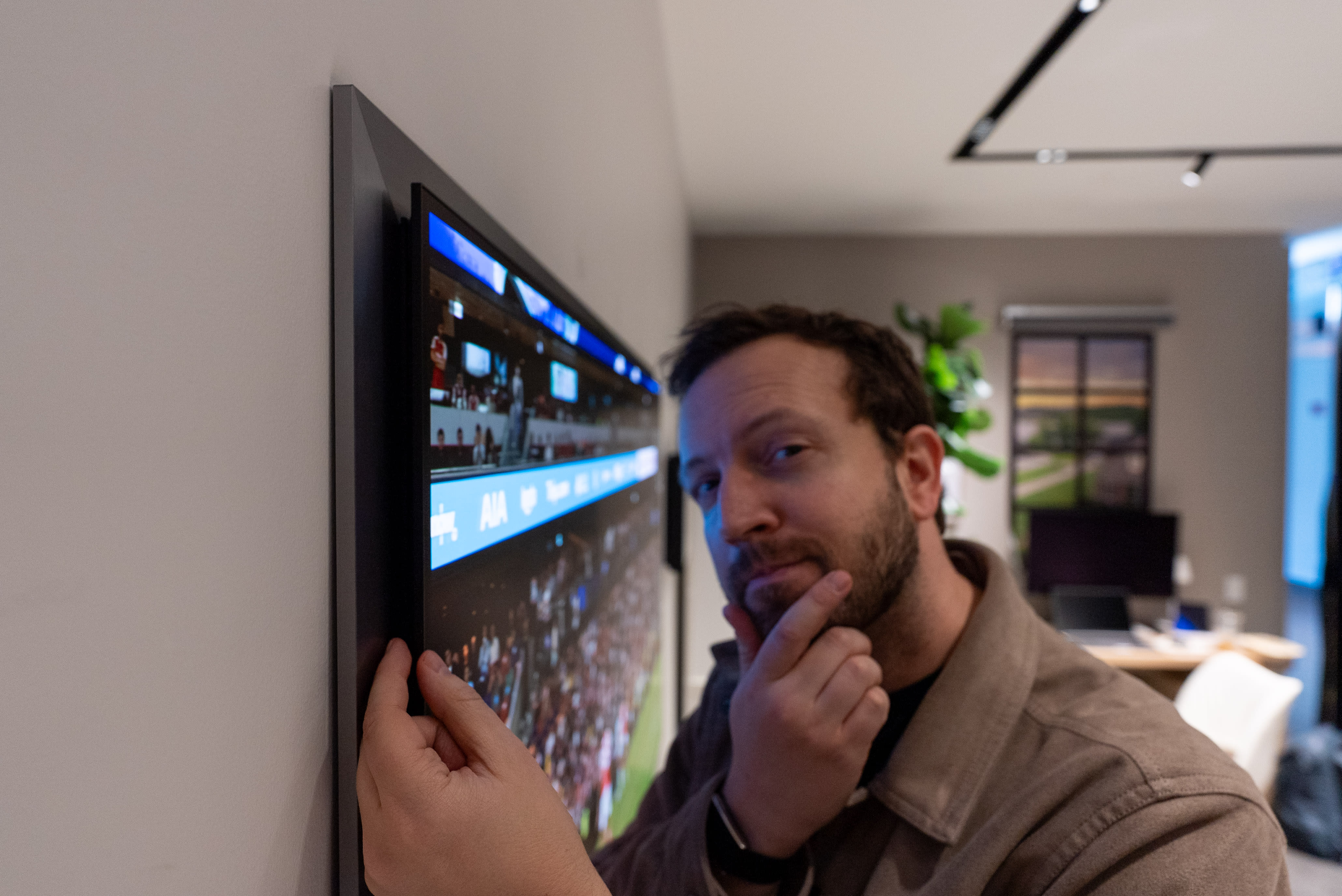
🎑 Art Mode. The real reason the Samsung S95H QD-OLED has its new floating design is that it now supports Art Mode. This is the first time Art Mode has been available on one of Samsung’s QD-OLED TVs, let alone on a TV outside the brand’s The Frame and The Frame Pro models. While the Samsung S95H features a different type of Glare-Free finish from The Frame series’ paper-like finish, artwork really pops on this QD-OLED screen.
Between the greater vibrancy of colors and the fact that every pixel is self-emissive, Art Mode on the Samsung S95H takes on a whole new dimension of realism. Samsung claims it has cracked burn-in prevention, allowing the S95H to display static images without distortion, but we’ll need to test this long-term to see if it really works.
👋 Goodbye OneConnect Box. One last colossal change for the Samsung S95H is that it no longer comes with a wired OneConnect Box, which has been included since the Samsung S95C. So, HDMI 2.1 ports are now on the back of the TV again.
🔌 8x HDMI 2.1. The (somewhat) good news is that the S95H supports Samsung’s new Wireless OneConnect Box, which adds four more HDMI 2.1 ports to the four wired ones on the back of the TV. That’s a total of eight HDMI 2.1 ports, way more than you’ll see on any other TV from any brand. You’ll have the most freedom and flexibility to add more consoles, gaming PCs, soundbars, and whatever else you want to this TV. Pricing on Samsung’s optional Wireless OneConnect Box has yet to be revealed, but as long as it is cheaper than a receiver, it’ll be a great upgrade for S95H owners.
🌇 Popping picture quality. Samsung promises the S95H is 35% brighter with up to 2,700-nits of brightness. If it’s true, that should help highlights to really pop off the screen compared to last year’s S95F, which I measured up to 2,200 nits of maximum brightness. Samsung also claims to have a more efficient color filter this year that prioritizes gradation over brightness on HDR tone-mapped content. I haven’t seen too much content on the S95H to confirm the latter claim, but it would certainly explain why Art Mode looks so much better on this QD-OLED TV vs even The Frame Pro.

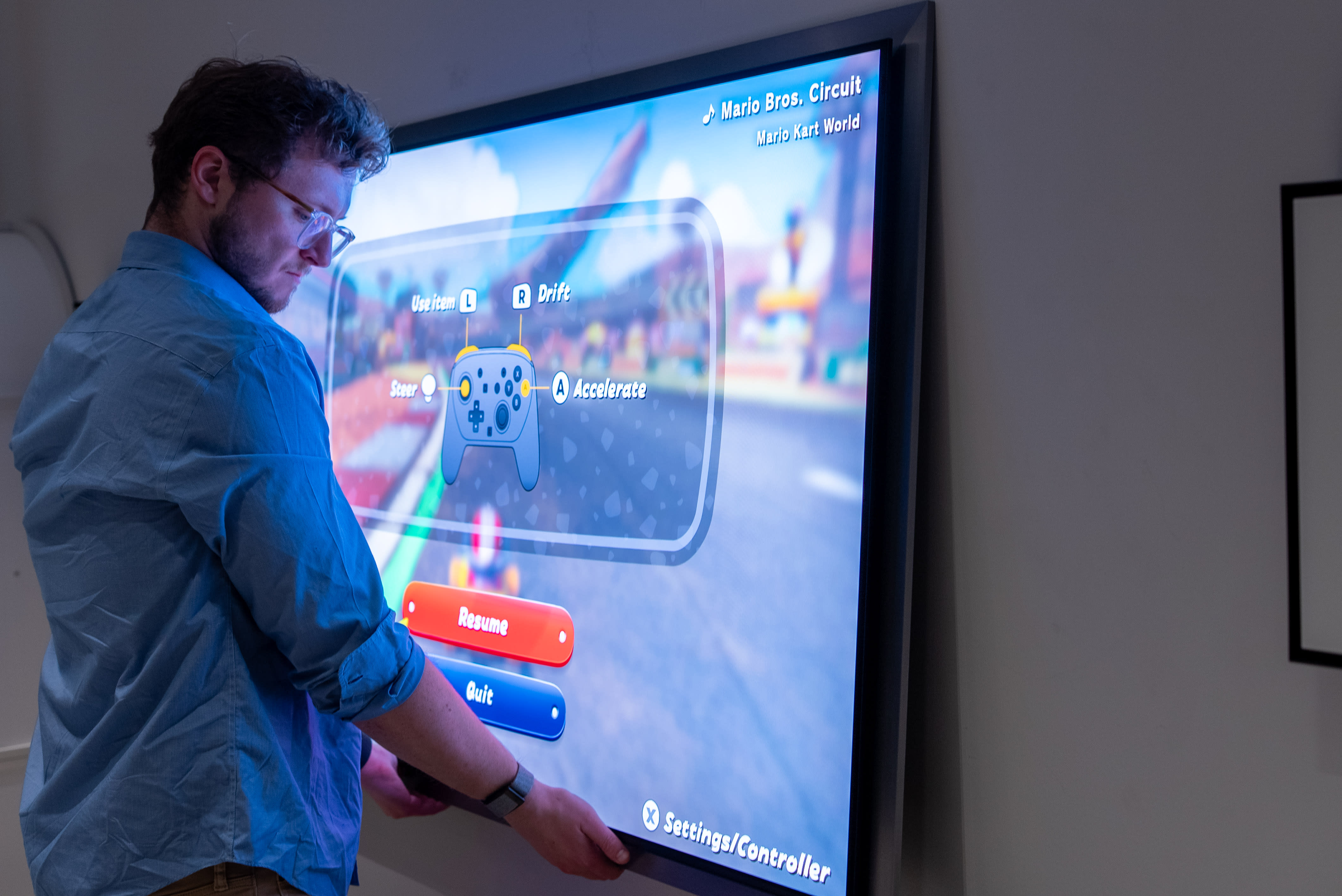
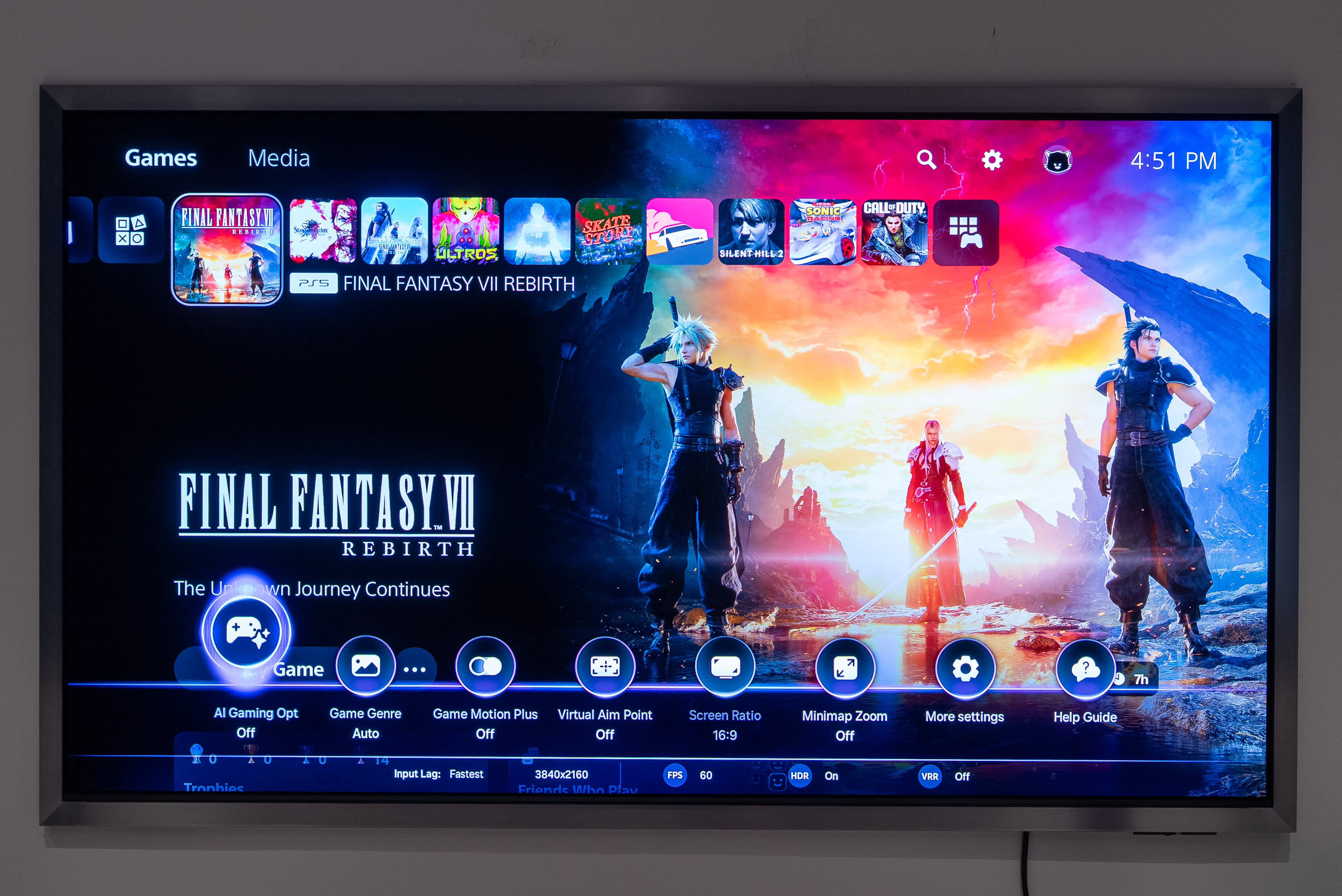
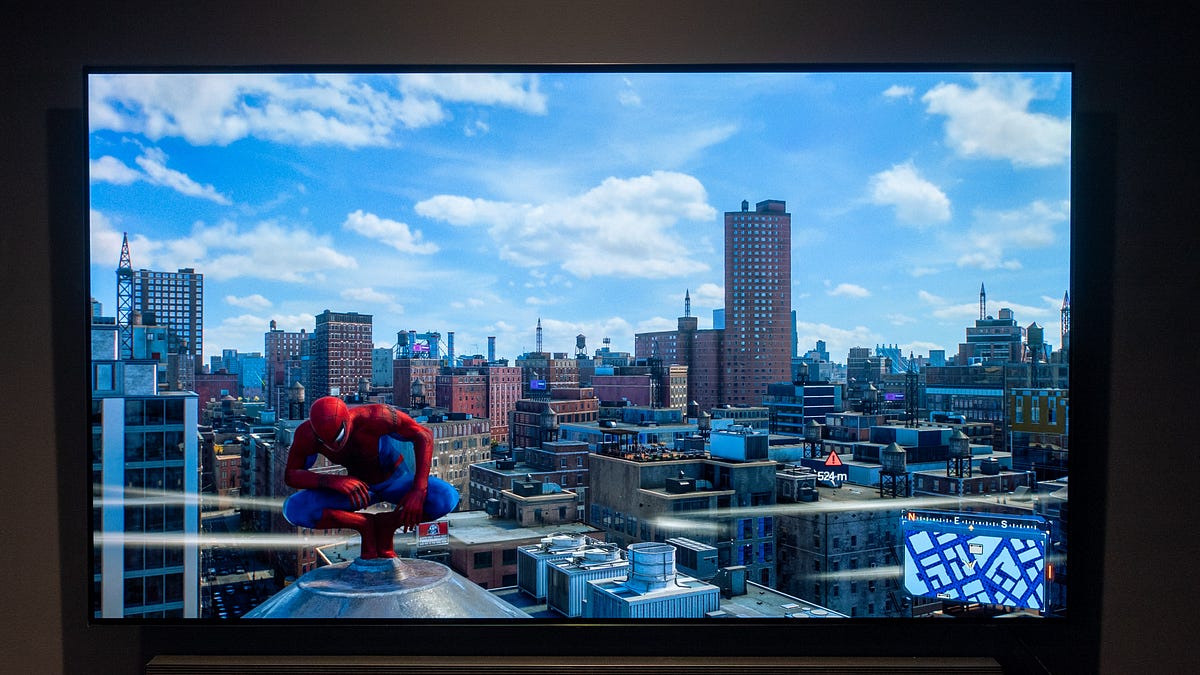
🎮 165Hz VRR with any platform. The Samsung S95H might flaunt its art aesthetic, but this is still a gaming TV under the facade. The display supports a 165Hz refresh rate, auto low-latency, VRR, AMD FreeSync Premium Pro, and now ships with Nvidia G-Sync, which debuted on last year’s Samsung OLEDs as a late-year upgrade. That means you get smooth frame rates no matter if you’re playing on the PS5 Pro, Nintendo Switch 2, or an Nvidia-powered gaming PC.
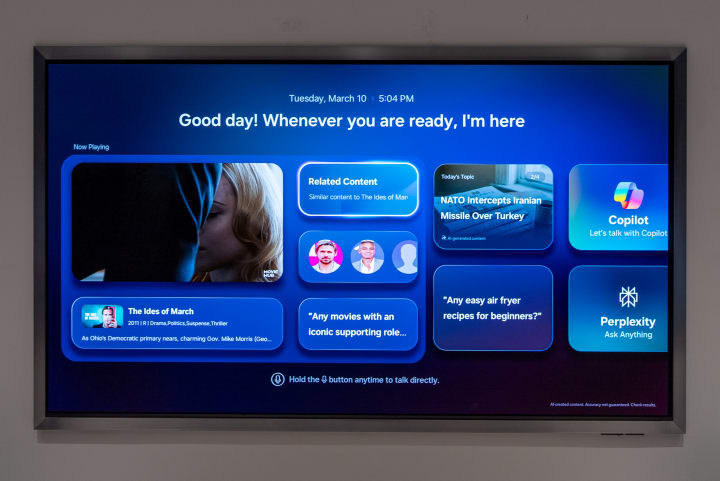
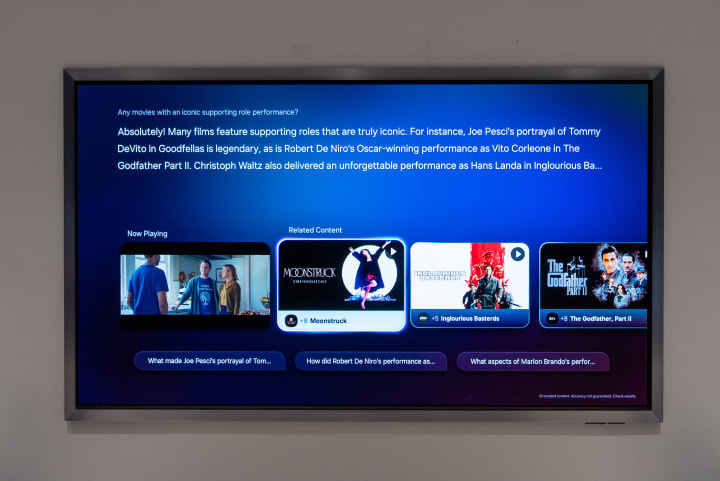
🤖 Vision AI. Last year, Samsung went hard on adding AI to every aspect of its TVs, including Click to Search, AI karaoke, translated captions, and Copilot services – but it wasn’t very centralized. This time around, hitting the Vision AI button brings up a new splash screen that puts your watching in a smaller window, surfaces related content, suggests questions you might ask, and puts AI assistants like Copilot and Bixby in easy reach. You can also ask Bixby to find movies and shows based on a vague description in case you can’t remember the exact name of that thing where a child falls into a chocolate lake.
Kevin Lee is The Shortcut’s Creative Director. Follow him on Twitter @baggingspam.


.jpeg)