
 8 hours ago
3
8 hours ago
3

🤗 Optical switches
🪶 Ridiculously light
👏 Delightful dongle
🔋 Brilliant battery life
🙏 Razer Synapse web is a blessing
👷🏻 Superb build quality
😖 The click noise
🤷♂️ Razer Synapse still sucks
🏋 The white version is a gram heavier
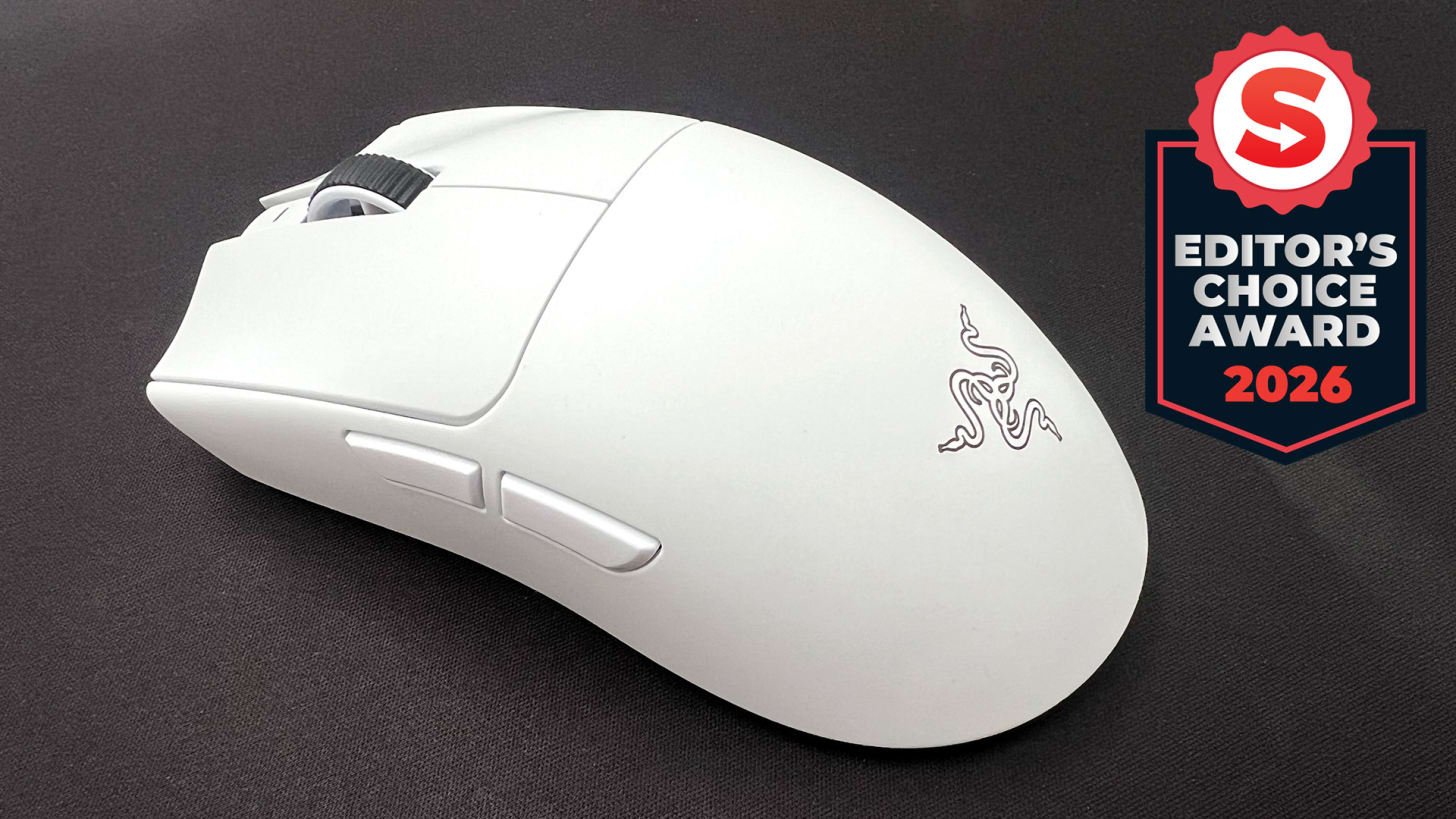
The Razer Viper V4 Pro may look like a minor revision over the excellent Viper V3 Pro, but it improves upon its predecessor in practically every aspect.
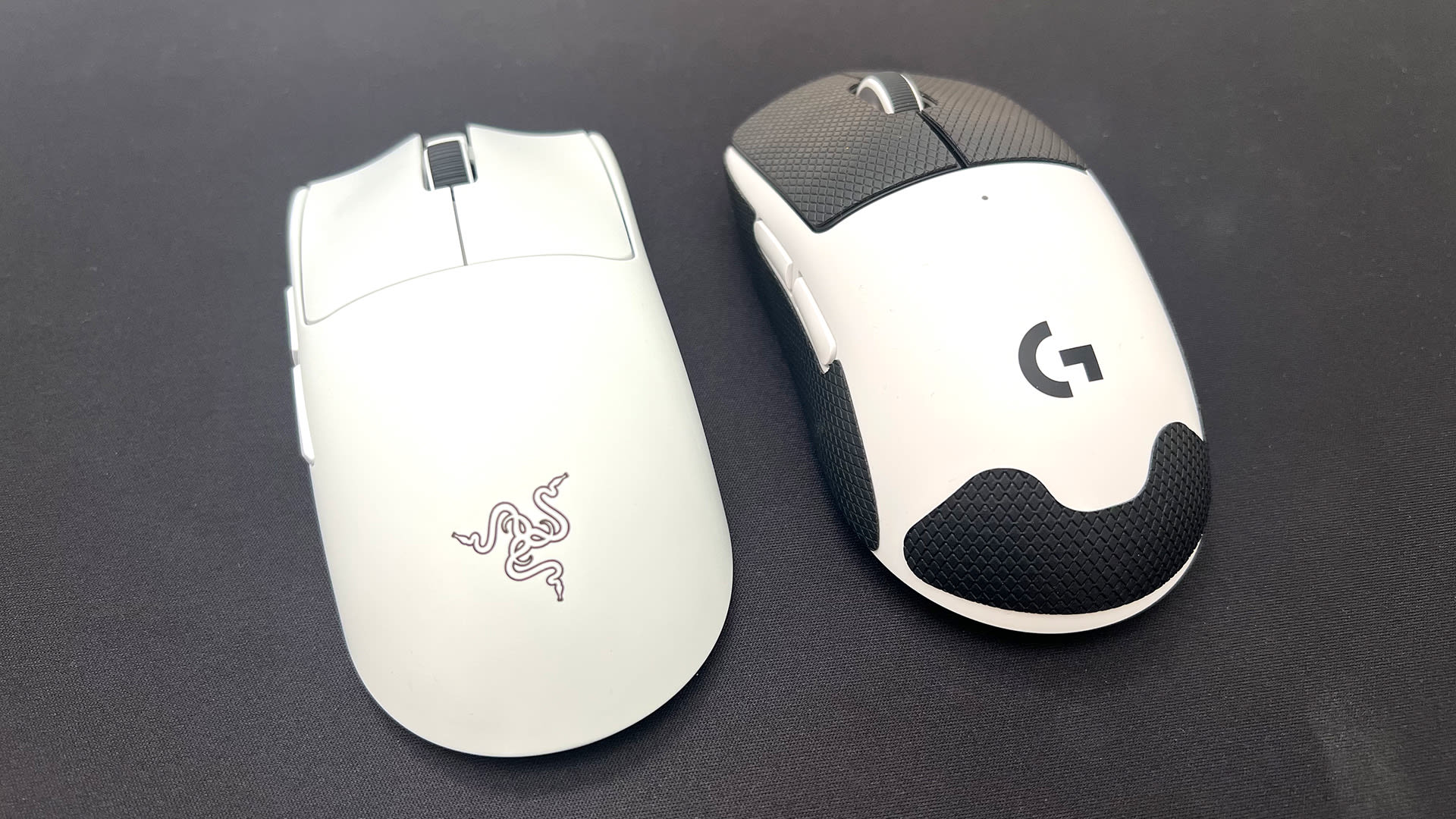
And while that’s largely to be expected from the latest revision of any device, the real comparison PC gamers will want to know is whether it’s better than the Logitech G Pro X2 Superstrike.
As the headline confidently suggests, the answer is yes. The Razer Viper V4 Pro nails every aspect you’d want from a top tier gaming mouse and surpasses the Superstrike in several departments.
However, Logitech’s ingenious haptic inductive trigger system (HITS) may still give it an edge over Razer’s mouse, despite all of its many positives. For some, there’s simply no going back to a regular click.
The Razer Viper V4 Pro usurps the previously crowned king of gaming mice.
But as brilliant as HITS is – and it really is, as I mentioned in my Logitech G Pro X2 Superstrike review – the Razer Viper V4 Pro usurps the previously crowned king of gaming mice overall.
First, it’s significantly lighter at 49-50 grams compared to 61 grams. That might sound like a negligible difference, but returning to the Superstrike after using the Viper V4 Pro for a week makes those 10 grams feel like 50. It’s genuinely surprising just how heavy the Superstrike now feels.
The Viper V4 Pro’s battery life is also phenomenal. Thanks to some clever new technology called Frame Sync, which I’ll explain in more detail below, I only charged it twice during my extensive testing, and that was when the battery had fallen just under 50%.
Price: $159
Connection: Razer Hyperspeed, USB-C wired
Sensor: Razer Focus Pro Optical 50K Optical Sensor Gen-3
Battery life: 180hr depending on usage conditions
Weight: 49 grams (black version), 50 grams (white version)
Colors: Black, White
Razer says the Viper V4 Pro will last around 180 hours at 1000Hz, and I don’t doubt that’s the case considering I was using it 8000Hz. The Logitech G Pro X2 Superstrike lasts around 90 hours, but it’s more like 30 hours once you’ve enabled Rapid Trigger, changed to a higher polling rate, and adjusted the haptics. The gap is sizeable.
An easy to overlook addition is the incredibly useful hemispherical dongle that comes with the Razer Viper V4 Pro. It can display useful information like your connection strength, battery level, current DPI, and polling rate, and can be customized to your liking. It’s a small touch, but goes beyond the usual indistinguishable dongle you stick into a USB port and forget about.
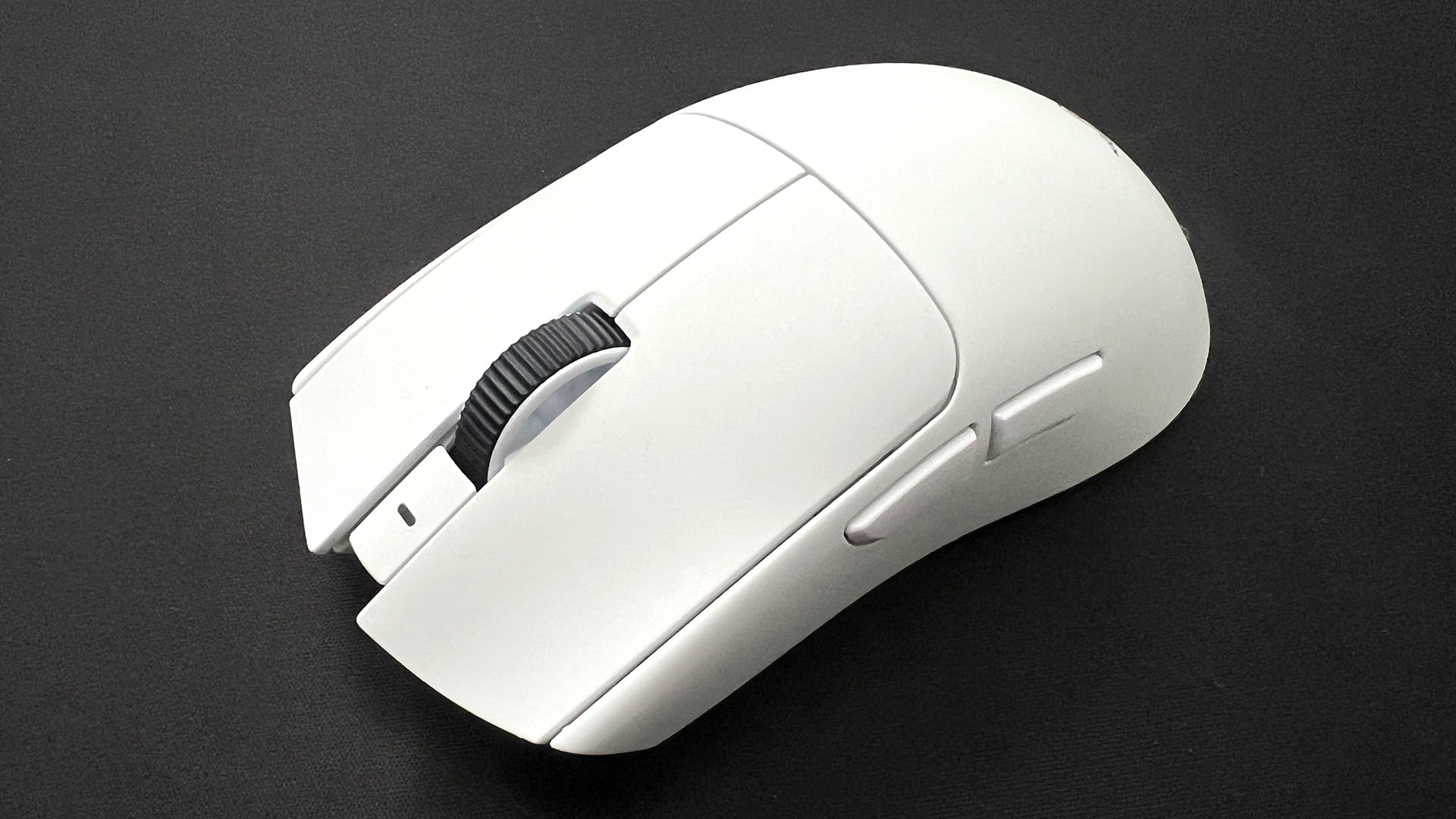
There’s even more to love about Razer’s new mouse, however. Throw in a dedicated DPI switch, superior skates for a smoother feel, incredibly low latency, a more reliable optical scroll wheel, rock-solid build quality, fantastic side buttons, and the best physical switches you can get in a mouse, and it’s easy to see why the Razer Viper V4 Pro has become my preferred choice. Oh, and it’s cheaper at $159 compared to $179.
The optical switches produce a distinct metallic-sounding noise every time you click that is bound to be polarizing.
However, there is one big, audible flaw that may make the Razer Viper V4 Pro a non-starter for some. And that’s the obnoxious click noise. This thing is loud.
The optical switches produce a distinct metallic-sounding noise every time you click that is bound to be polarizing. You won’t notice it while you’re wearing headphones, of course, but others around you definitely will. It makes the Razer Viper V4 Pro a no-go for the office, and even annoying if you’re just using it for general productivity. Compared to the Superstrike, which is practically silent, it takes some getting used to.
Fortunately, click noise aside, it’s the only real sticking point that may dissuade people from purchasing Razer’s new mouse. It’s truly a brilliant alternative to Logitech G’s excellent Superstrike, especially if you’ve tried HITS and didn’t like it. The Viper V4 Pro is likely to be one of the most popular mice for pros over the next few years and ultimately proves that the more competition there is in the PC gaming space, the better. Read my full Razer Viper V4 Pro review below.
A review unit was provided by Razer.
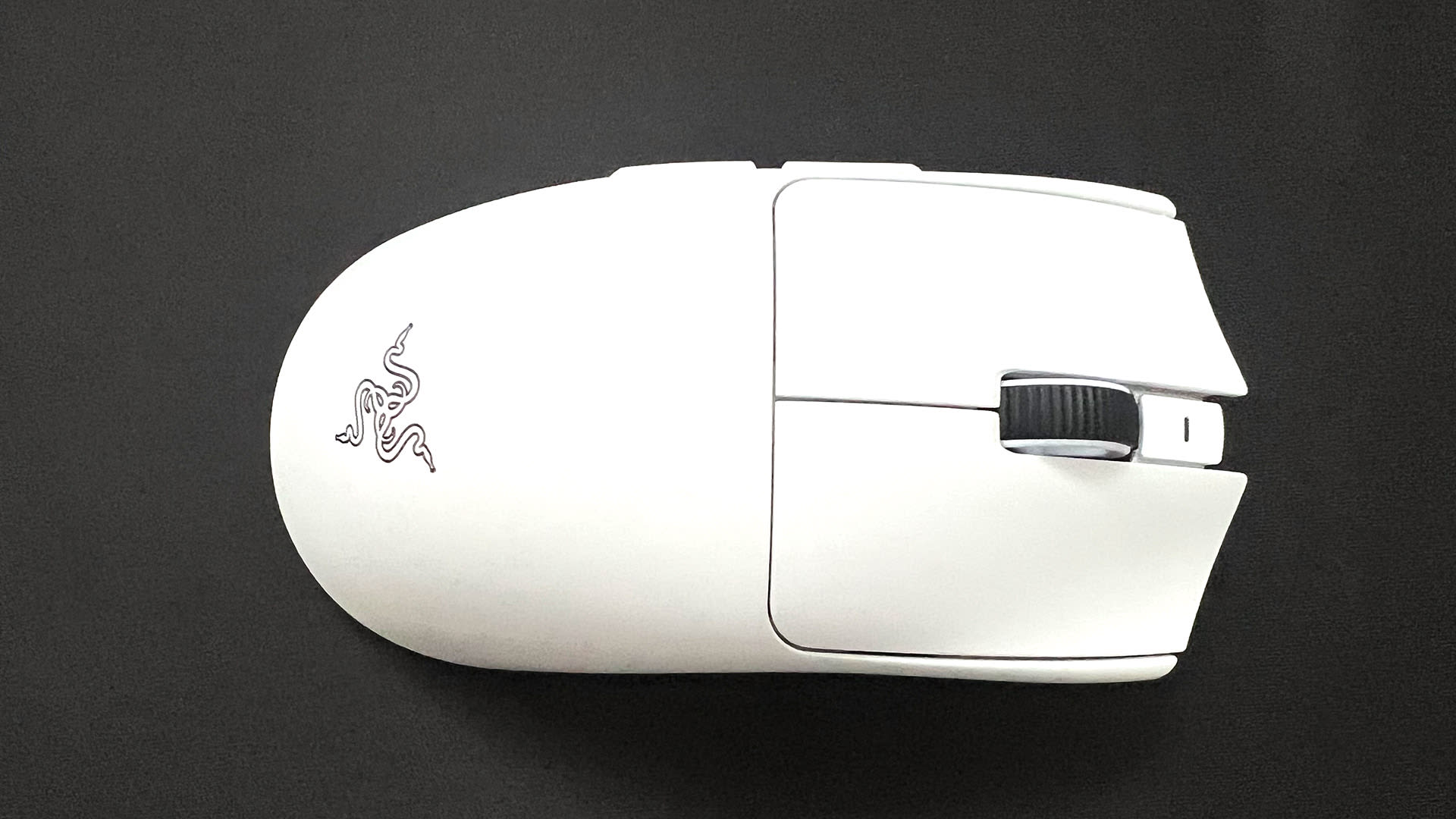
🤗 Optical everywhere. The Razer Viper V4 Pro is armed with optical mouse switches, an optical scroll wheel, and an optical sensor. Essentially, optical offers faster response times than mechanical switches, which makes them ideal for competitive gaming.
🪶 Ridiculously light. At just 49 grams (though oddly, the white version I tested is one gram heavier), the Razer Viper V4 Pro is effortless to use. Its weight is also perfectly balanced, which means it should suit all grip types.
You’ll barely have to charge the Razer Viper V4 Pro.
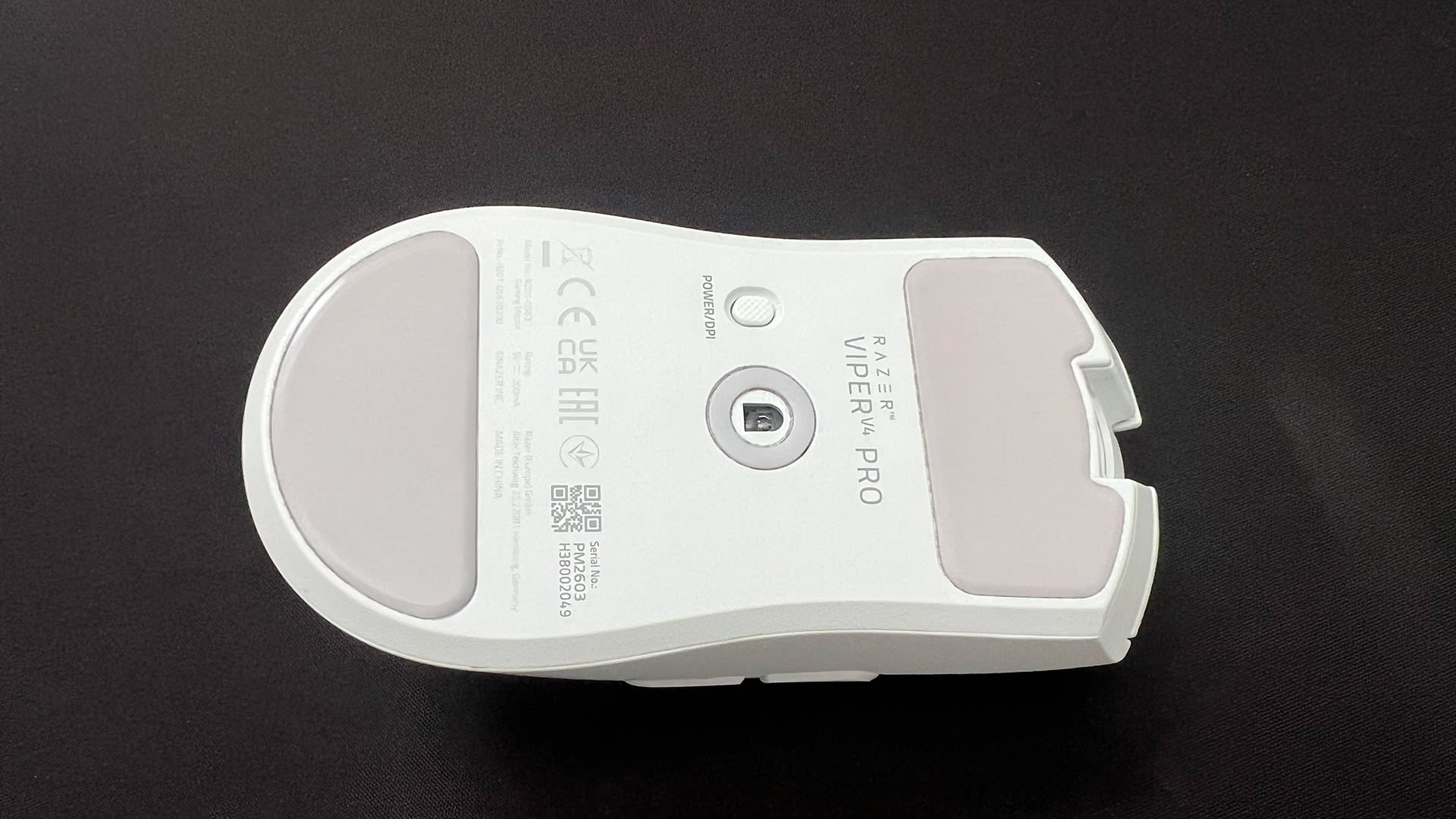
💨 Let’s glide. Mouse skates can make a dramatic difference to how a mouse feels when you’re moving it around, and often stock skates aren’t the best. That’s not the case with the Razer Viper V4 Pro, as the large mouse feet and skates around the sensor offer a smooth experience compared to other mice I’ve tested.
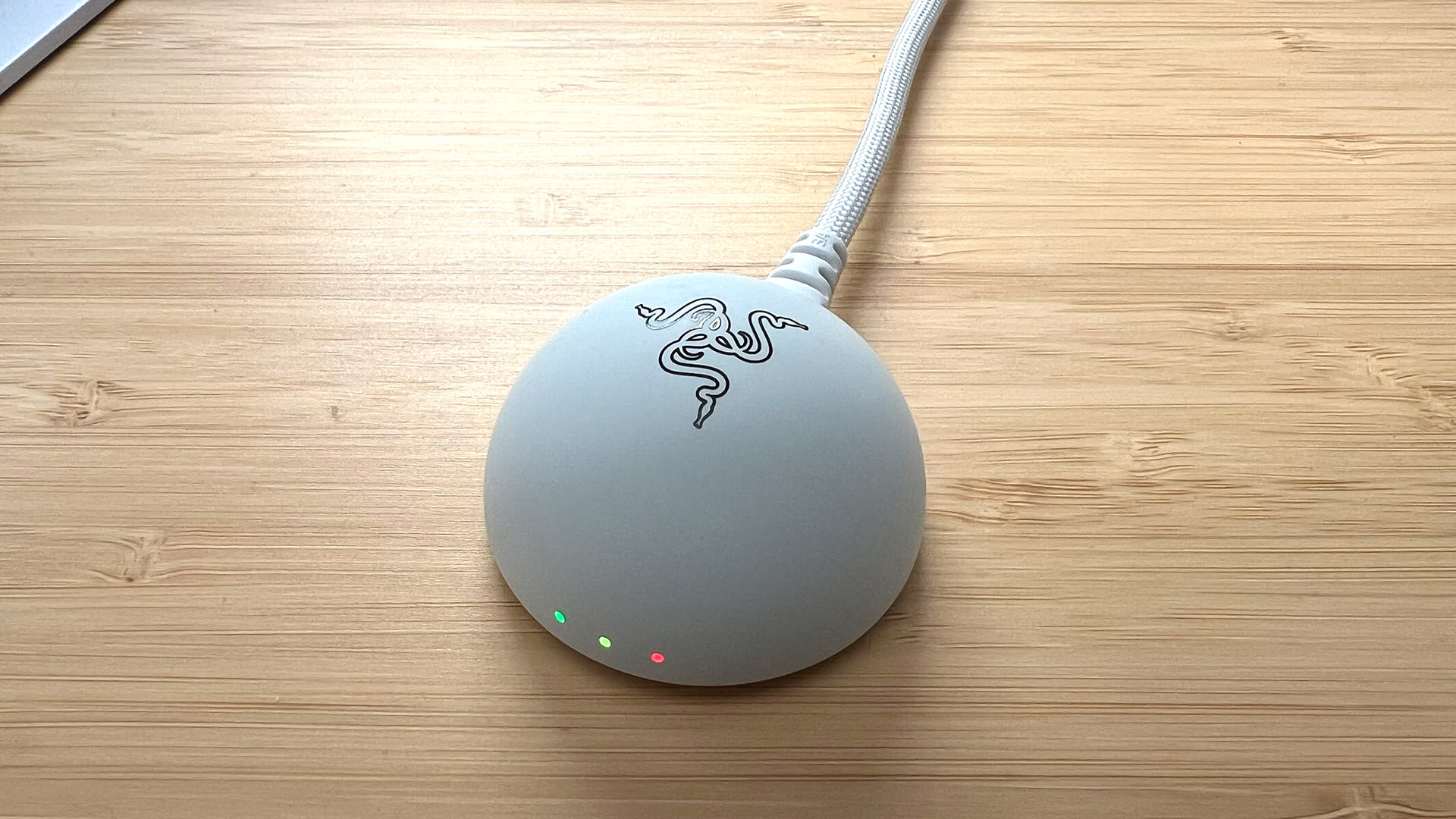
👏 Delightful dongle. Instead of your usual tiny little dongle that comes with most wireless devices, the Razer Viper V4 Pro includes a hemispherical dongle that houses a taller antenna to provide unwavering signal strength. It’s also weighty, meaning it won’t slide around your desk or be pulled back by a taunt cable. However, the highlight of the dongle is that can show various status indicators, such as connection strength, battery life, and polling rate, so you don’t need to open up any software.
🔋 Brilliant battery life. You’ll barely have to charge the Razer Viper V4 Pro, as it lasts for up to 180 hours depending on your settings. That’s a vast improvement over the Viper V3 Pro and leaves the Logitech G Pro X2 Superstrike’s battery in the dust. It’s all thanks to Razer’s Frame Sync, which aligns every sensor frame with your mouse’s scanning and USB polling cycle. This provides smarter power efficiency, as there’s no wasted sensor updates. Think of it like how G-Sync and FreeSync work, and you get the idea.
🙏 Razer Synapse web is a blessing. Razer’s Synapse software doesn’t have the best reputation, but thankfully you don’t even need to install it if you don’t want to. You can fine-tune your settings, update the Razer Viper V4 Pro and switch on-board profiles using Razer’s new web-based version of Synapse.
🧪 Synapse software has some nice features. Despite Synapse’s issues, Razer offers some genuinely useful features. ‘Rotation Tool’ lets you adjust your mouse orientation for horizontal swipes, ‘Dynamic Sensitivity’ gives you more control over your DPI setting, and you can even adjust the DPI by one-step increments.
🐭 Mouse grip tape included. If you’re a sweaty-palmed individual like me, mouse grip tape can help. Razer includes grip tape in the box, which is a nice added value as opposed to buying it separately.
👷🏻 Superb build quality. There’s no rattle, give or flex to the Razer Viper V4 Pro, despite its light frame. Every button feels satisfying to click, and the mouse feels incredibly durable and expertly built.
😖 The click noise. The Razer Viper V4 Pro produces a distinctive metallic ping every time you click. It’s the first thing you notice about the mouse, and it’s bound to be polarizing. Some won’t care, especially if you wear a headset, but it’s the one element about the Razer Viper V4 Pro that feels like an oversight.
🤷♂️ Razer Synapse isn’t great. Even though you can use the web-based version of Razer Synapse to update and tweak the Razer Viper V4 Pro’s settings, those who download the full software suite will still have to deal with Synapse in full. While it’s not the system resource hog it once was, Synapse feels like its main purpose is to push needless bloatware, advertise new products, and get in the way.
🤔 Why is the white version heavier? It may only be a difference of a gram, but the white version of the Razer Viper V4 Pro is heavier than the black colorway. Only Razer knows why that is the case, but for someone who has a predominantly white setup, it feels like a weird punishment that the white Razer Viper V4 Pro is a gram heavier. Yes, I’m annoyed about a gram, okay?
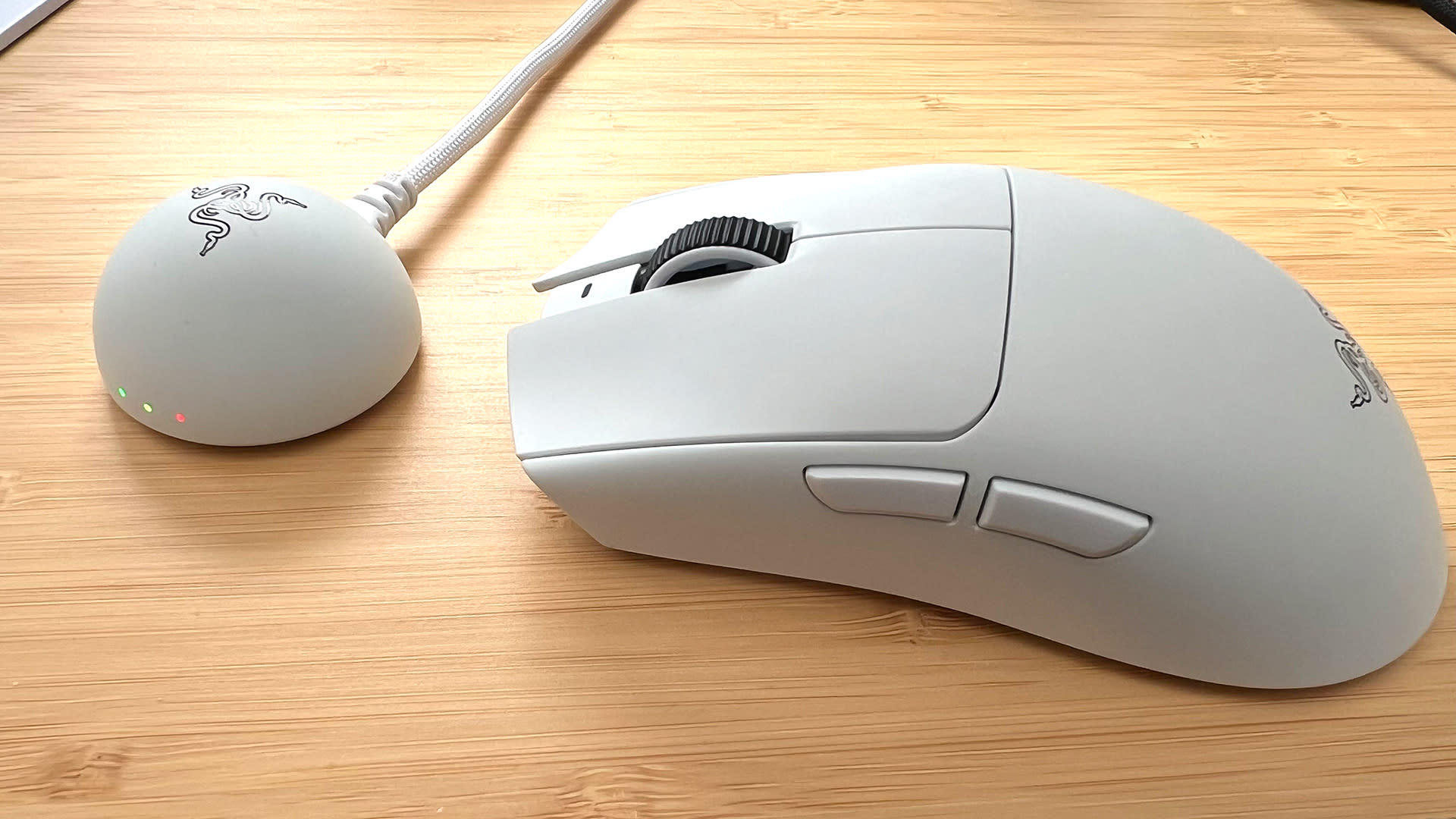
✅ You want a lightweight mouse that barely needs charging.
✅ You loved the Razer Viper V3 Pro and want to upgrade.
✅ You want the best mouse for esports games.
❌ You can’t go back to a normal mouse click after using the Superstrike.
❌ You’re very sensitive to noise.
❌ You don’t really play competitive FPS games.
Adam Vjestica is The Shortcut’s Senior Editor. Formerly TechRadar’s Gaming Hardware Editor, Adam has also worked at Nintendo of Europe as a Content Marketing Editor, where he helped launch the Nintendo Switch. Follow him on X @ItsMrProducts.



.jpeg)


.jpeg)